Conference, day 2. You've shot the morning sessions: keynote, panel, Q&A. Between 9 AM and 1 PM, 1,500 JPEGs landed on the card. The organizer wants a selection tonight for the LinkedIn posts and tomorrow morning for the press release. You have four hours of lunch break plus the afternoon – and you have to decide whether to start culling now or race against the clock tonight.
Other photo jobs run in days or weeks. Events run in hours.
What event photography is about
What shapes the event workflow:
- JPEG dominates. Volume plus delivery pressure often makes RAW unrealistic – little time for editing, often no color-critical print pipeline.
- Smaller volume, feels like more. 500–3,000 JPEGs per event is normal. Because delivery is expected in hours rather than days, it feels like double.
- Cull in 1–2 stages. No album selection. You sort and deliver.
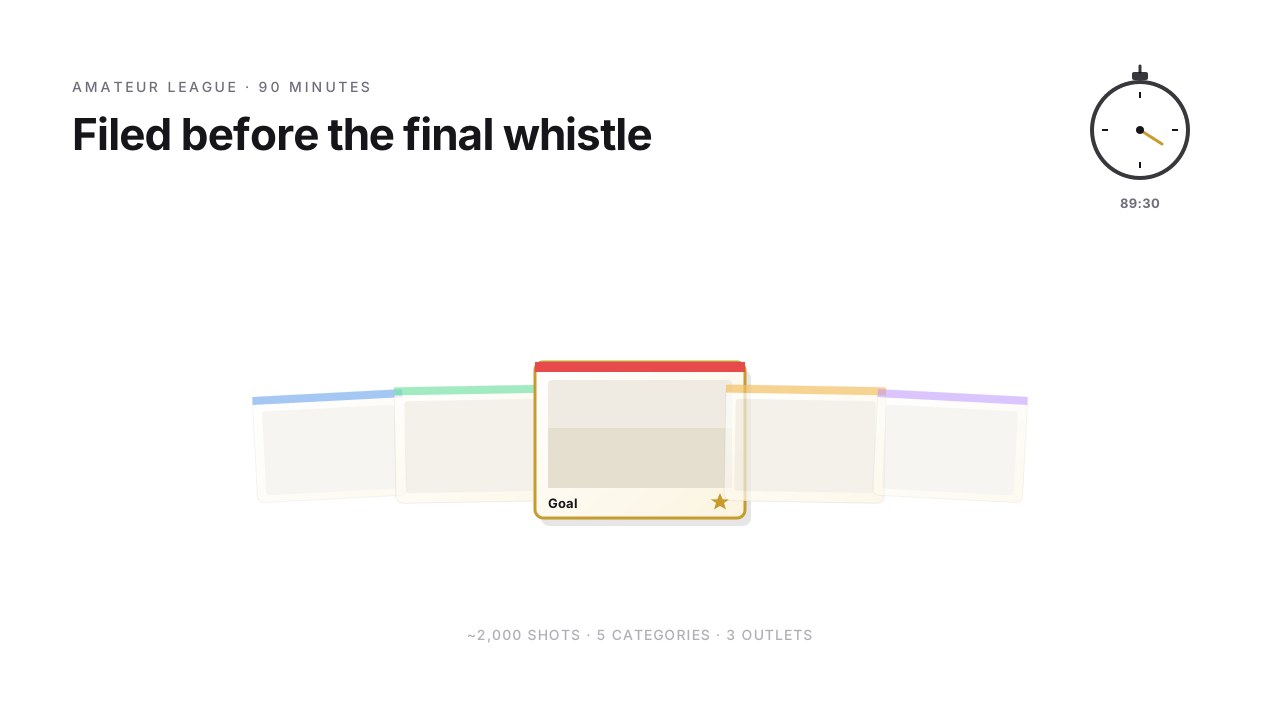
- Category more important than stars. The organizer needs 5 good keynote shots, 10 good networking shots, and 3 branding shots – not "the best 30 overall".
- Live culling during the event is standard, not the exception.
- Retouching falls away or is minimal – JPEG from the camera is usually good enough.
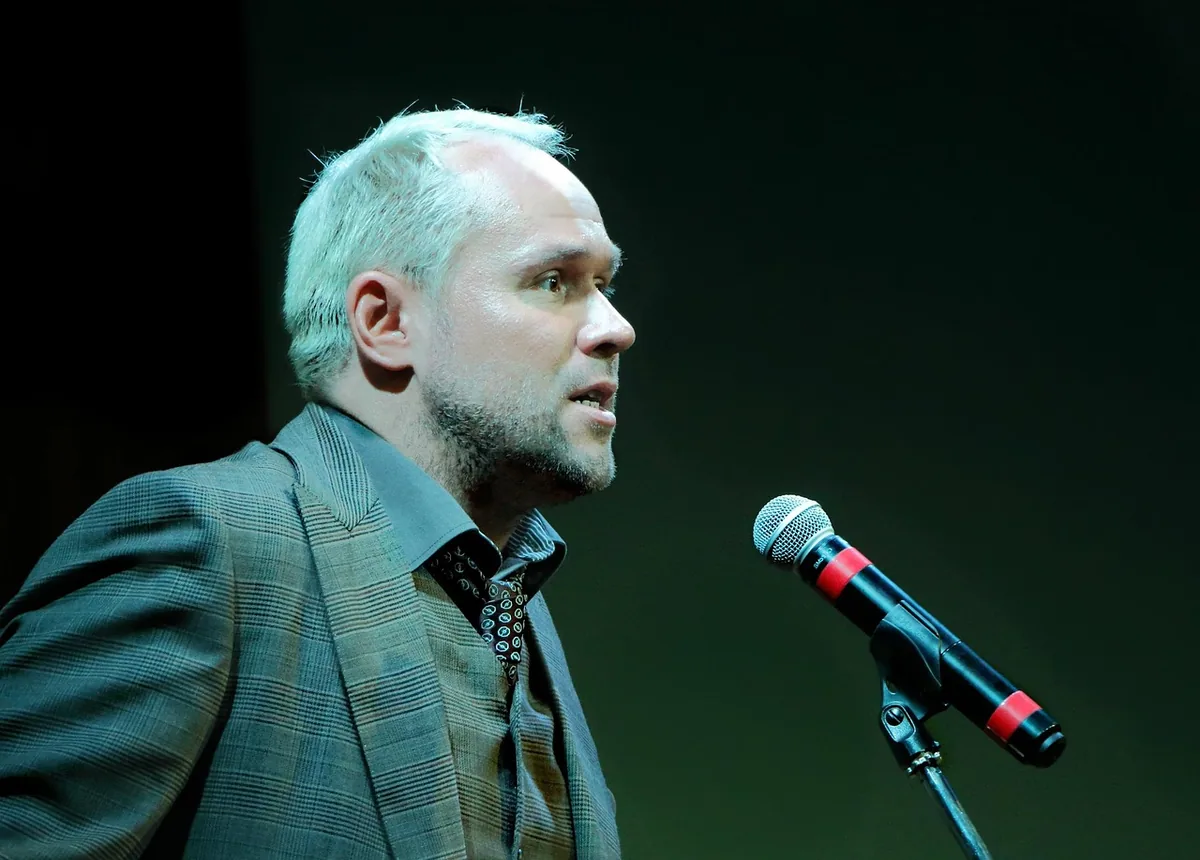
JPEG or RAW – the call before the event
No dogma. A rule of thumb:
- High volume plus social media plus fast delivery → JPEG. You save editing time you don't have.
- Magazine reportage, print, color-critical pipelines → RAW. When quality matters more than speed.
- Hybrid (RAW+JPEG) for mixed requirements – you deliver the JPEGs fast, you have the RAWs for later if someone wants to print something bigger.
Culling in 1–2 stages
Stage 1 – Rough cull (1,500 → ~600). Arrow keys hot, X for reject. Eyes-closed, technically blurry, duplicate bursts – gone. Time with FlashView: 15–25 minutes.
Stage 2 – Categorized selection (600 → ~120 for delivery). Mark the best few per category. Here the color system kicks in (see next section) instead of classic stars.
Categorization instead of just rating
At events, not all images are equally important – what matters is that every category is covered. Color labels in FlashView handle that without extra effort:
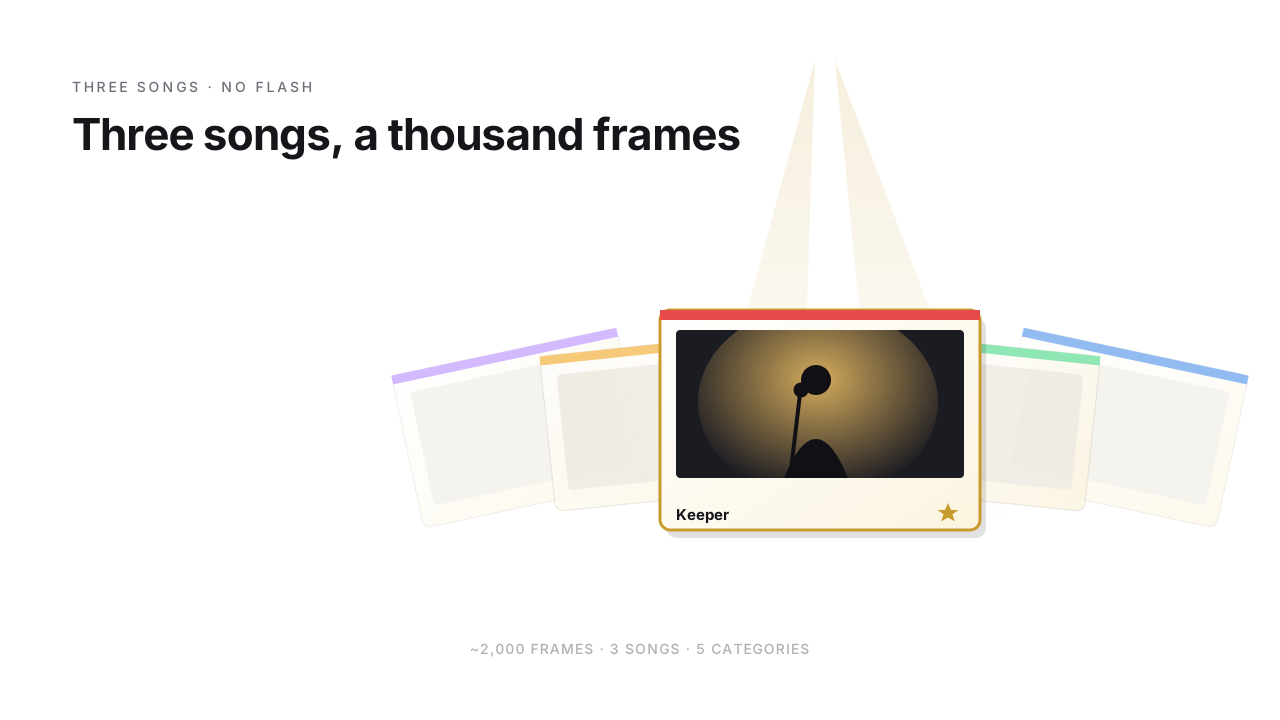
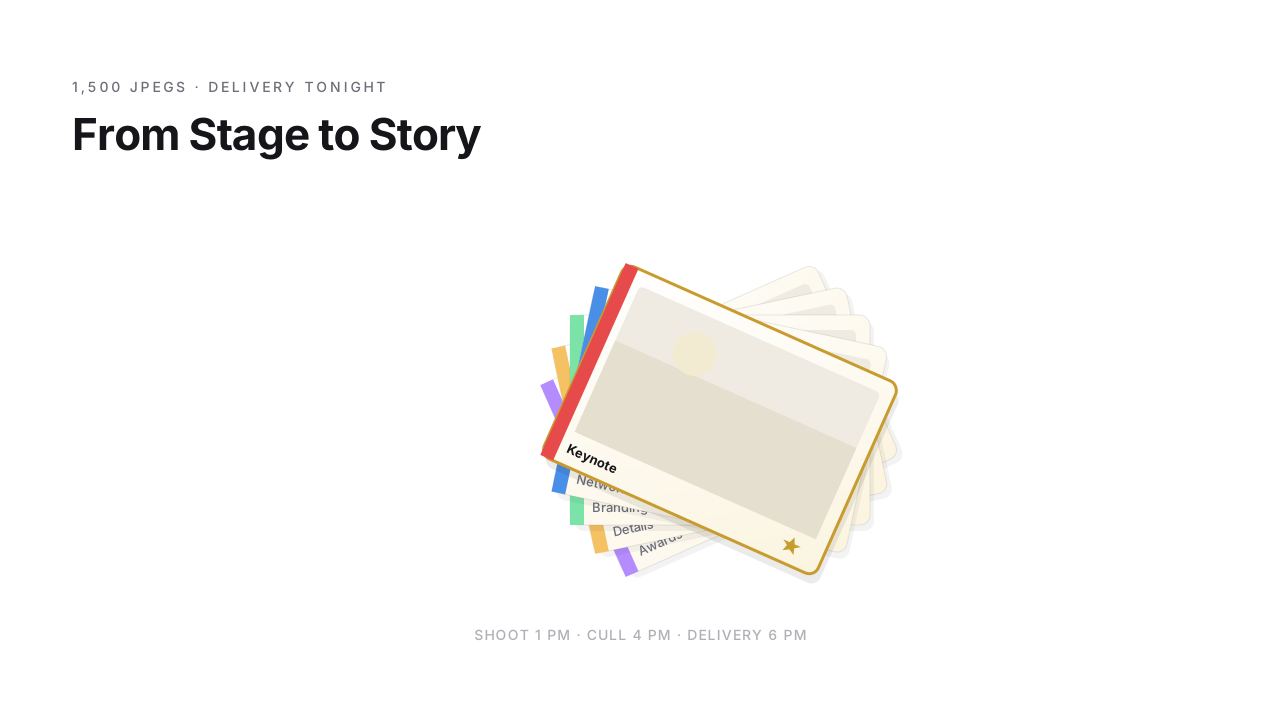
- Red for speaker shots (keynote, panel, Q&A)
- Blue for networking and atmosphere
- Green for branding shots (stage design, logos, sponsor walls)
- Yellow for detail shots (products, posters, catering)
- Purple for special shots (award presentations, VIP moments)
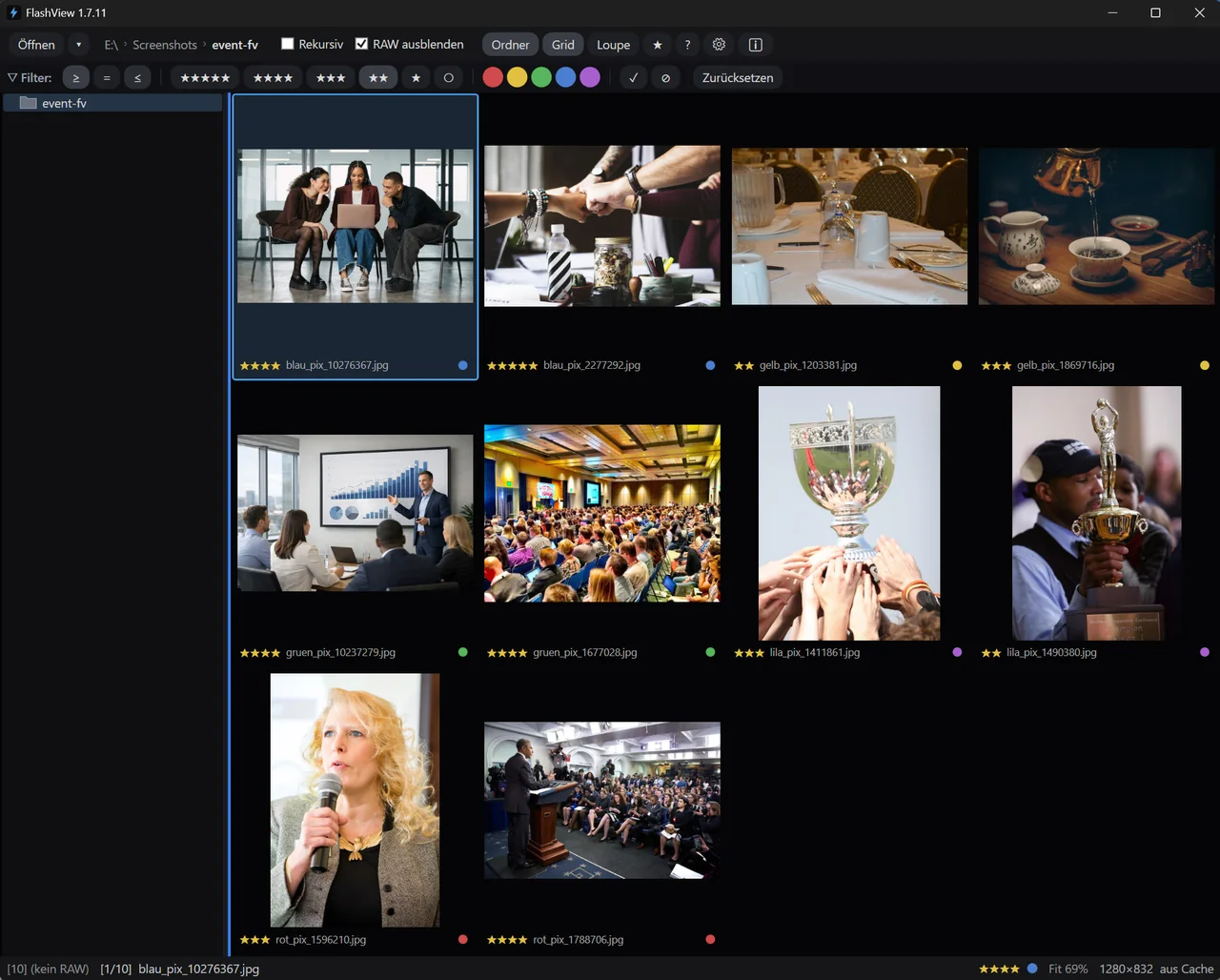
After stage 2 you filter by color and deliver sorted per category. After the color filter you push one category's selection straight into the delivery folder as finished JPEGs with Ctrl+E – no copying by hand, the folder is delivery-ready. The organizer doesn't get 120 unordered images but five clean categories – and can continue directly for each channel.
What must not go out
A networking shot rarely contains only the person you meant to show. Name badges with full name and company, an open laptop with client data, guests in the background who never agreed to be published – when you hand a set to the organizer, that is a data-protection matter, not a cosmetic one. Instead of throwing the frame away, you redact the spot: E, the "Redact" tool, drag a rectangle across the badge, done. Non-destructive – the original stays fully intact; only what you export is obscured.
Live culling in the breaks
The biggest leverage: don't wait until evening, cull during the session breaks. Laptop plus card reader on the press table – FlashView reads the card itself and drops the images into a folder, no manual copy, and you're in the grid in seconds. In a 15-minute coffee break you easily get through the rough cull of the last session. In the break you switch on auto-advance (Caps Lock) and rate to the rhythm – FlashView advances by itself, Ctrl+Z takes back a slipped click.
 Short · YouTube
Too many photos? FlashView scrolls through instantly
Watch video →
Short · YouTube
Too many photos? FlashView scrolls through instantly
Watch video →
Advantage: by the end of the day you're nearly done. While other photographers are just starting to cull over dinner, you're already sending the organizer the selection.
Organizer wants to pick themselves?
Sometimes the PR team wants to decide themselves which images go out – especially for VIP or sponsor topics. Instead of PDFs with preview galleries and image-number lists by email, there's a guest share via Nextcloud + StarRate: the organizer picks in the browser, their picks land directly in the JPEG as XMP. You then filter by their picks and pack exactly those into the delivery folder. No manual transfer – the picks travel directly in the file instead of through email exchanges. The details are in the Nextcloud photo workflow article.
What do you use when?
Briefly:
- FlashView for everything: culling, categorizing with color labels, live culling in the breaks. Fast enough for JPEG volume without waiting, and the embedded-JPEG trick (see RAW culling article) makes RAW bursts manageable too.
- StarRate optional, when the organizer should pick themselves.
- Fix it where you are: straighten the horizon, crop to the target format, pull the exposure back - non-destructively, for JPEG just as for RAW. Lightroom is only needed when something genuinely has to be developed deeply.
What's left
Six PM, conference is over. Instead of starting now, you send the organizer the delivery folder – categorized, sorted, ready. The LinkedIn posts go out tonight, the press images tomorrow morning.
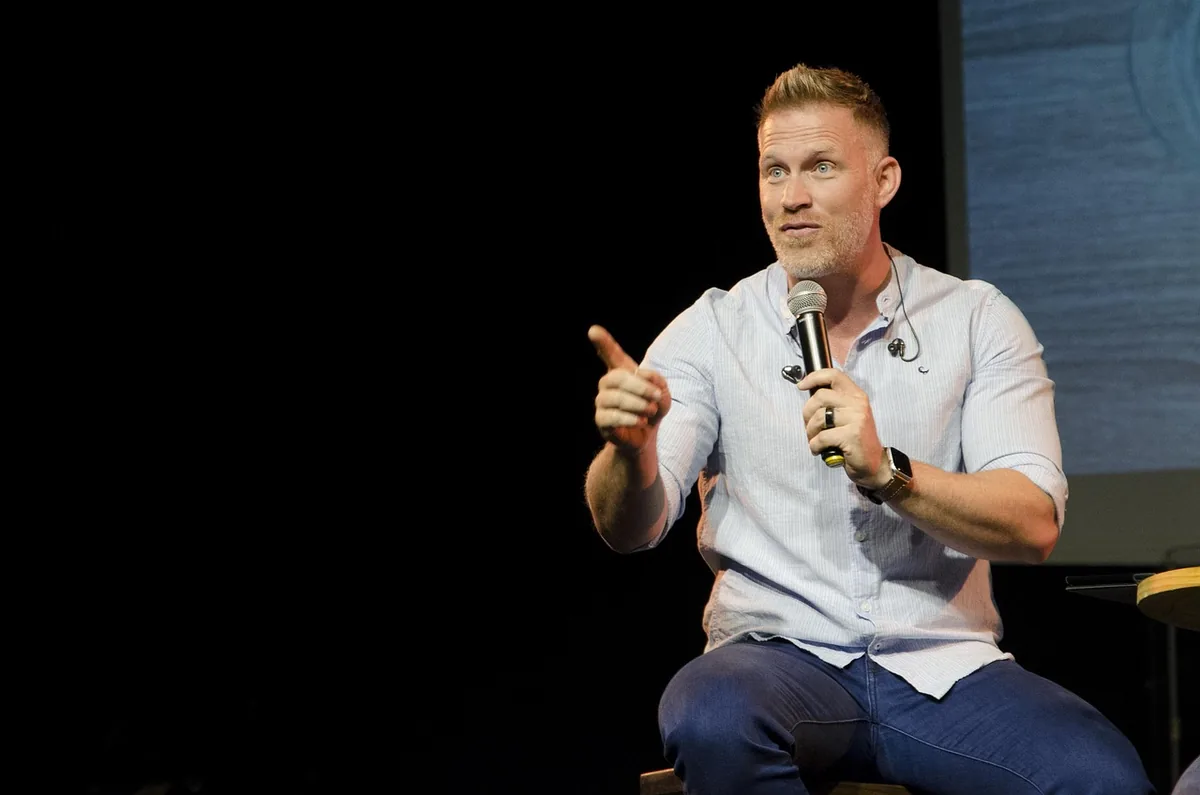
From stage to story in hours instead of days.
If you'd like to try FlashView for that, it's at flashview.net.