FlashView
Browse 100,000 photos. At the speed of thought.
An extremely fast, lightweight photo tool for Windows - built for photographers who want to see and cull huge archives at speed. By now it covers the whole chain: import from the card, view, cull, edit non-destructively and export. Ratings, color labels and picks are written as standard XMP.
One tool for all of it
From the memory card to the finished image in one program - no catalog, no subscription, no waiting.
- Import From the card into dated folders, checksum-verified.
- View Page through 100,000 photos without waiting.
- Cull Stars, colors, pick/reject - one keystroke per frame.
- Organize Filter, sort, group, copy to a folder.
- Edit Non-destructive: sliders, looks, crop, redact.
- Export Finished JPEGs - or over to Photoshop.
For most shoots that is the whole job - no second program, no subscription running in the background. Pay once instead of every month. Only heavy retouching goes over to Photoshop, and comes back on its own. And for skin retouching on portraits, FlashRetouch is in the works.


What FlashView is
FlashView is a fast, lean photo tool for Windows. Open a folder with thousands of photos and scroll through smoothly. Rating comes on top: keepers with a single keystroke, reject the rest, filter down to what matters. And what is left you edit right there - non-destructively, the original stays untouched. Ratings are stored as standard XMP - readable in Lightroom, Bridge, Photo Mechanic, or digiKam.
Stays responsive across archives of 100,000+ photos - smooth even on modest hardware, given an SSD.
Why it exists: it is the photo tool you have always wanted. It is there the moment you open it, never keeps you waiting, and does not lock your pictures into a catalog or your work into a subscription. Built by a photographer who uses it every day.
What sets it apart
For the big folders where other viewers start to stall.
Built for massive folders
No pre-indexing wait - open the folder and start scrolling immediately. Stays responsive across archives of 100,000+ photos.
Speed of thought
Cursor keys, mouse wheel, scroll - every input moves to the next image without perceptible lag, even on large, high-resolution JPEGs. That's the Flash in the name. The speed is no accident - it comes from game- and demoscene engineering: wringing every millisecond out of ordinary hardware.
Native Windows workflow
Right-click any image → Open with FlashView → you're in the Loupe right away, with the entire folder already loaded. Press G for the grid.
Your machine, not the cloud
The trend offloads computing to the cloud - even though the machine on your desk is fast and mostly idle. FlashView brings the work back to it: no upload, no detour via distant servers, no subscription for what runs locally in milliseconds.
Features
XMP metadata
Stars, color labels and flags written as standard XMP - readable in Lightroom, Bridge, Photo Mechanic, digiKam.
Batch-rate hundreds
Select 1,000+ files, press 3, done. Ctrl+Z undoes the last batch.
Live filtering
By rating, color label, pick, reject, or hide RAW entirely.
Import from the card
Pull a shoot off the memory card with Ctrl+I - a folder per shooting day if you want, renaming to your own pattern, and every file read back and checksum-verified after copying.
Edit, non-destructively
Crop, straighten, rotate and redact with E - enough to make a frame press-ready. The original stays untouched and every change is reversible, for JPEG and RAW alike.
Looks and sliders
Bundled looks plus your own saved styles, with sliders for exposure, contrast, color, denoise and sharpening. Apply a style to a whole selection at once.
Over to Photoshop and back
Hand a frame over as a flat PSD, work on it, hit save - FlashView notices the change by itself. PSD files are displayed directly, too.
Export and copy
Send a selection to a folder as rendered JPEGs with Ctrl+E - or copy the untouched originals somewhere with "copy to folder".
Compare A/B
Two photos side by side to pick the sharpest keeper from a burst.
Histogram
RGB and luminance histogram in the loupe - check exposure while you cull.
Keyboard-first
0–5 rate, P pick, X reject, G/L grid/loupe, F fullscreen, I EXIF. Every action works across many files at once - Ctrl+Z to undo. F1 shows the full list.
Sort and group
Name or date, ascending/descending. Group a parent folder by shoot with configurable depth.
Five color labels
Red, yellow, green, blue, purple - written as standard XMP.
Wide RAW support
Canon (CR3, CR2), Nikon (NEF), Sony (ARW), Adobe DNG, Fujifilm (RAF), Panasonic (RW2), Olympus / OM System (ORF), Pentax (PEF), Hasselblad (3FR, FFF), Samsung (SRW) - plus JPEG, PNG, TIFF, HEIC and PSD.
Zoom and inspect
1:1 pixel view, fit-to-screen, pan. Lock the zoom and check sharpness frame after frame.
EXIF panel
Camera, lens, focal length, aperture, shutter, ISO, date, pixel size, artist, copyright - toggle in the loupe with I.
Filter by EXIF
Narrow a folder by camera, lens, ISO, aperture or focal length - and sort by them too.
Open metadata
We write standard XMP. No lock-in, no proprietary format.
Stars, color labels and picks are embedded directly in JPEGs or written as XMP sidecars next to RAW files - as standard XMP, the way Adobe defined it. Any program that reads XMP shows your ratings: Lightroom, Bridge, Photo Mechanic, digiKam - and everything else that speaks XMP.
Works with StarRate
FlashView works hand-in-hand with StarRate. Shoot → FlashView for your own first pass → upload to Nextcloud → StarRate collects external ratings → back in FlashView you see your own and the guest ratings consolidated, all in standard XMP.
Workflow guides
How fast culling works in practice.
-

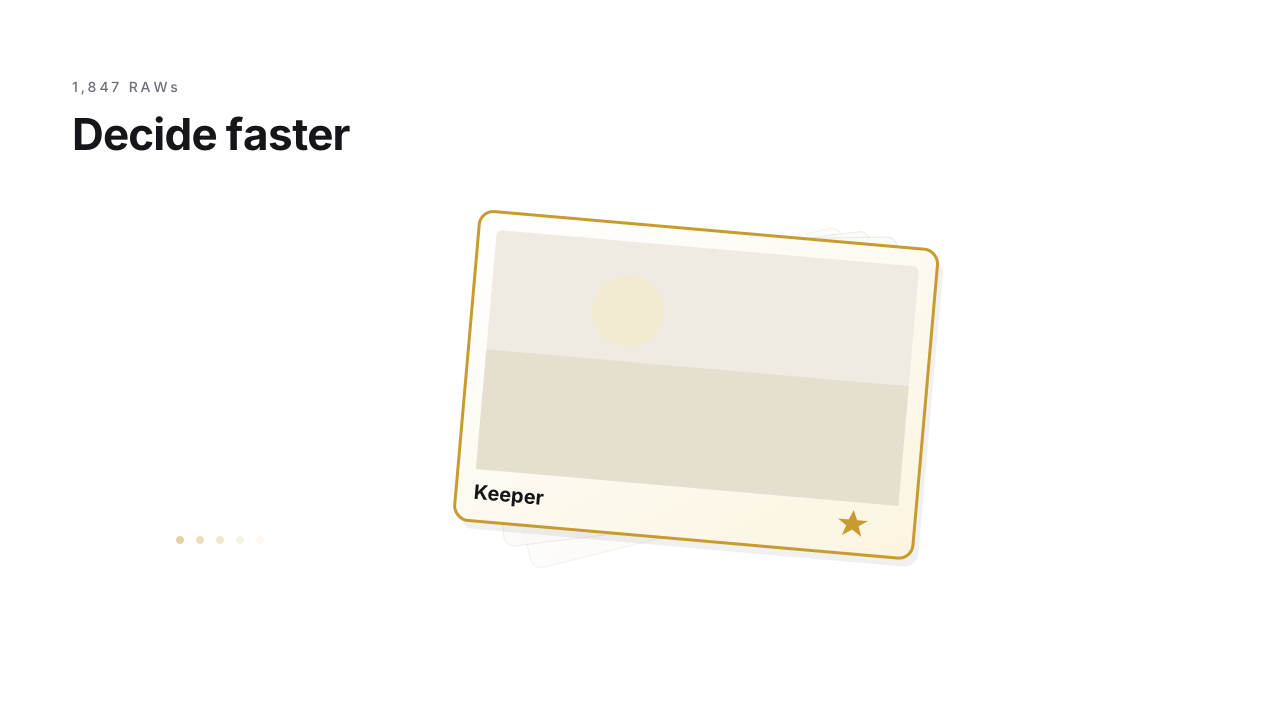
Cull RAW fast: use the embedded JPEG
Why RAW culling is so slow - and the trick your camera has been giving you all along.
Read more → -
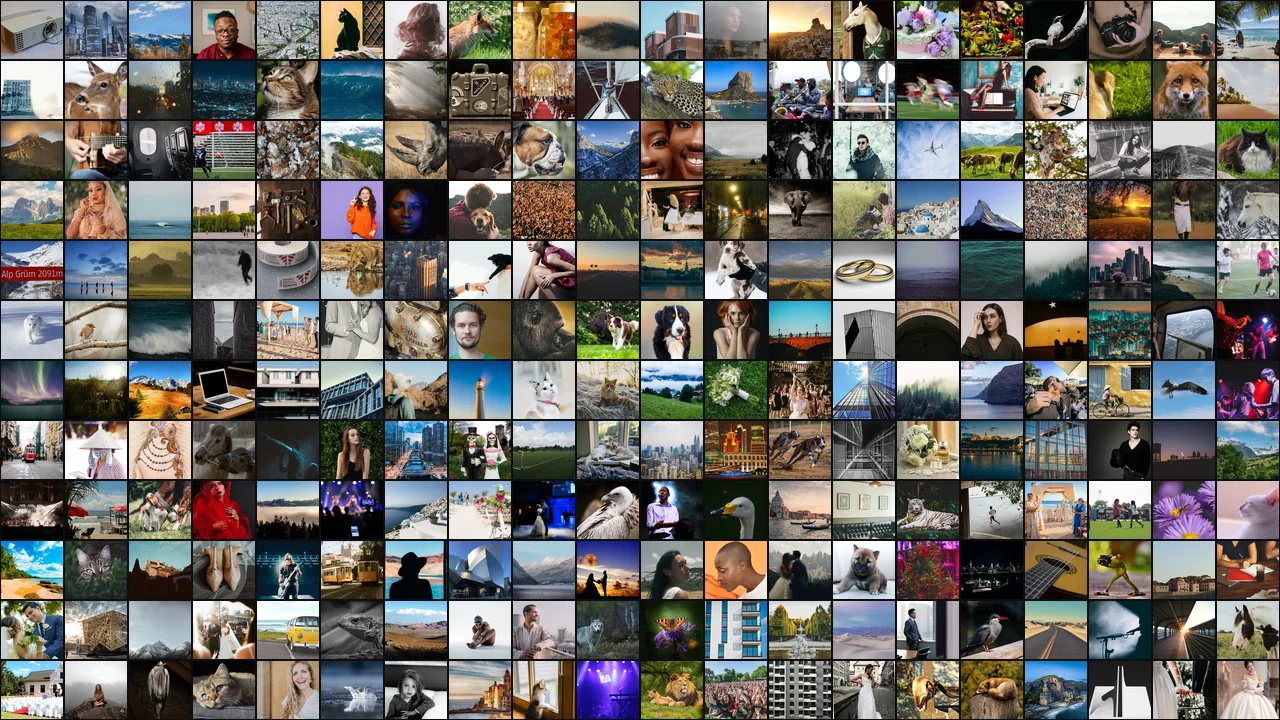
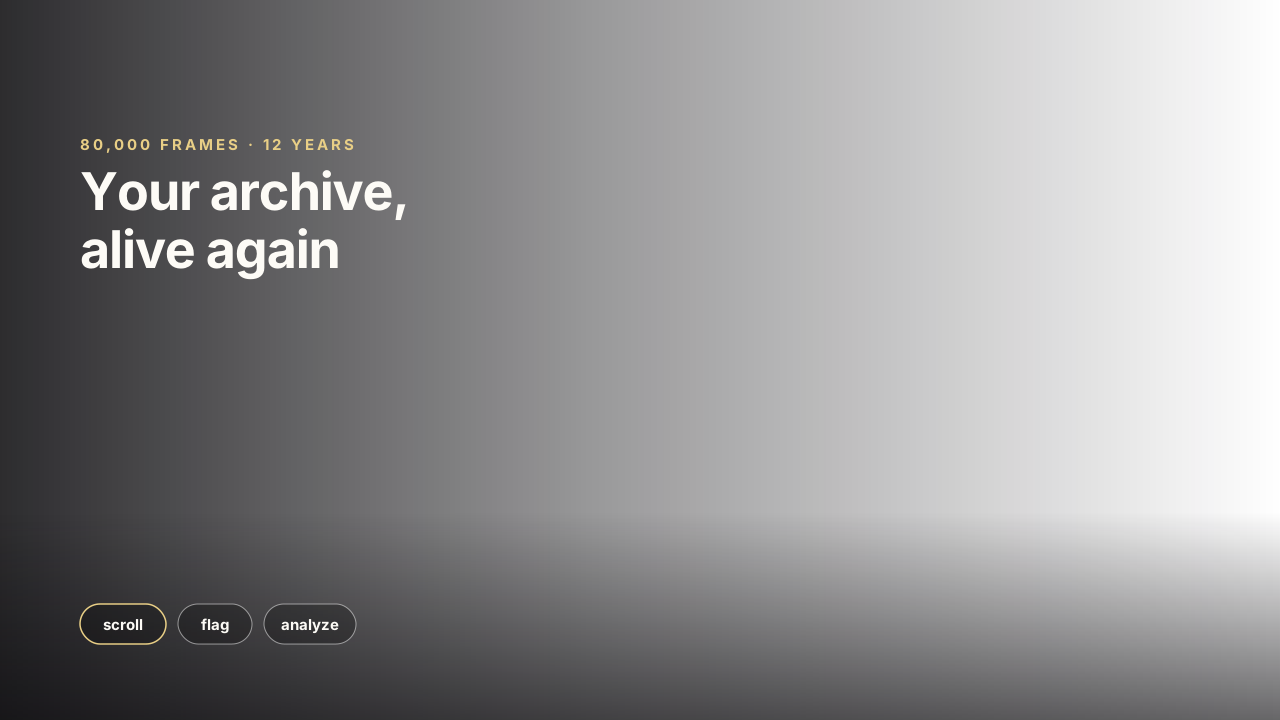
Search your photo archive: scroll through years in seconds
One evening, one external SSD, eighty thousand images - and suddenly you are not travelling through a folder but through your life. On overview, rediscovery, and what the archive knows about you.
Read more → -

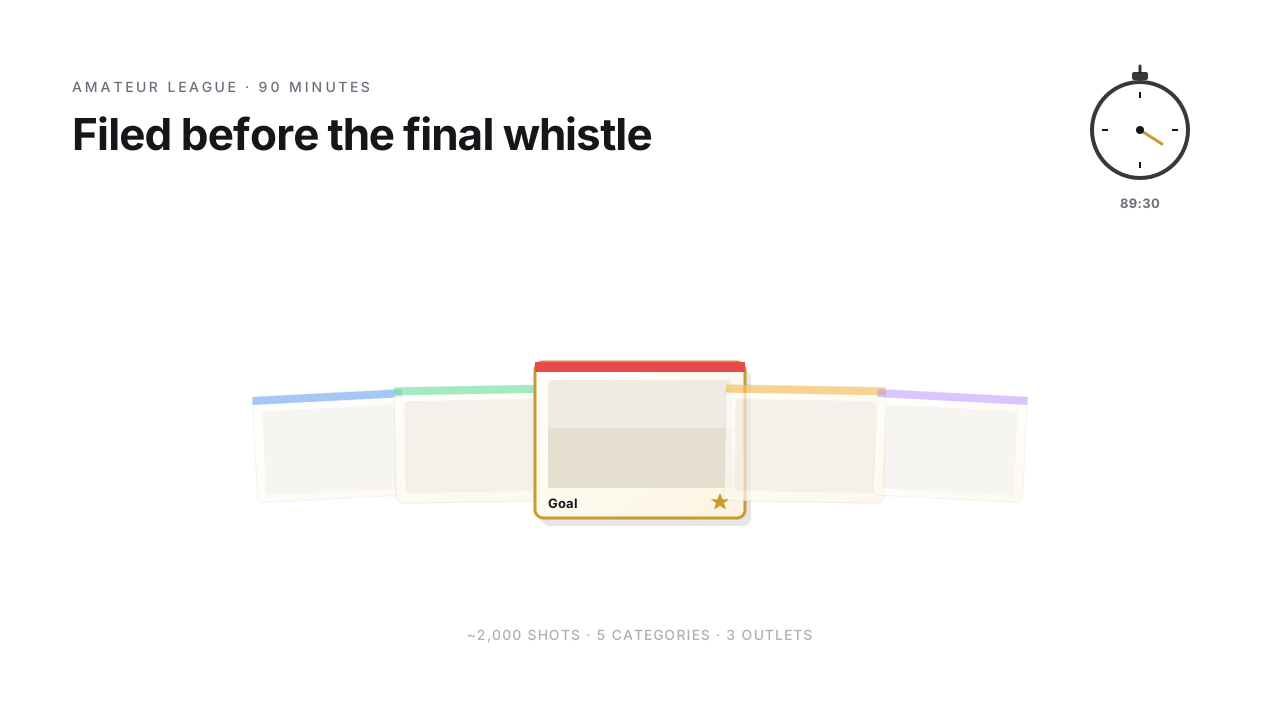
Sports culling: 2,000 shots in under 3 hours
How 2,000 shots from a match become three target-specific deliveries - amateur sports workflow from kickoff to online publication in the evening.
Read more →
Ready for FlashView?
Get FlashView for Windows. The project site has all the details and the download.
P.S.: The bolt also comes on a shirt - FlashView merch