StarRate
Lightroom-style photo rating for Nextcloud.
Rate and cull your photos in Nextcloud with stars and color labels. Share guest links for client feedback. Your ratings live inside the photo - any tool that reads XMP sees them instantly.
See it in action
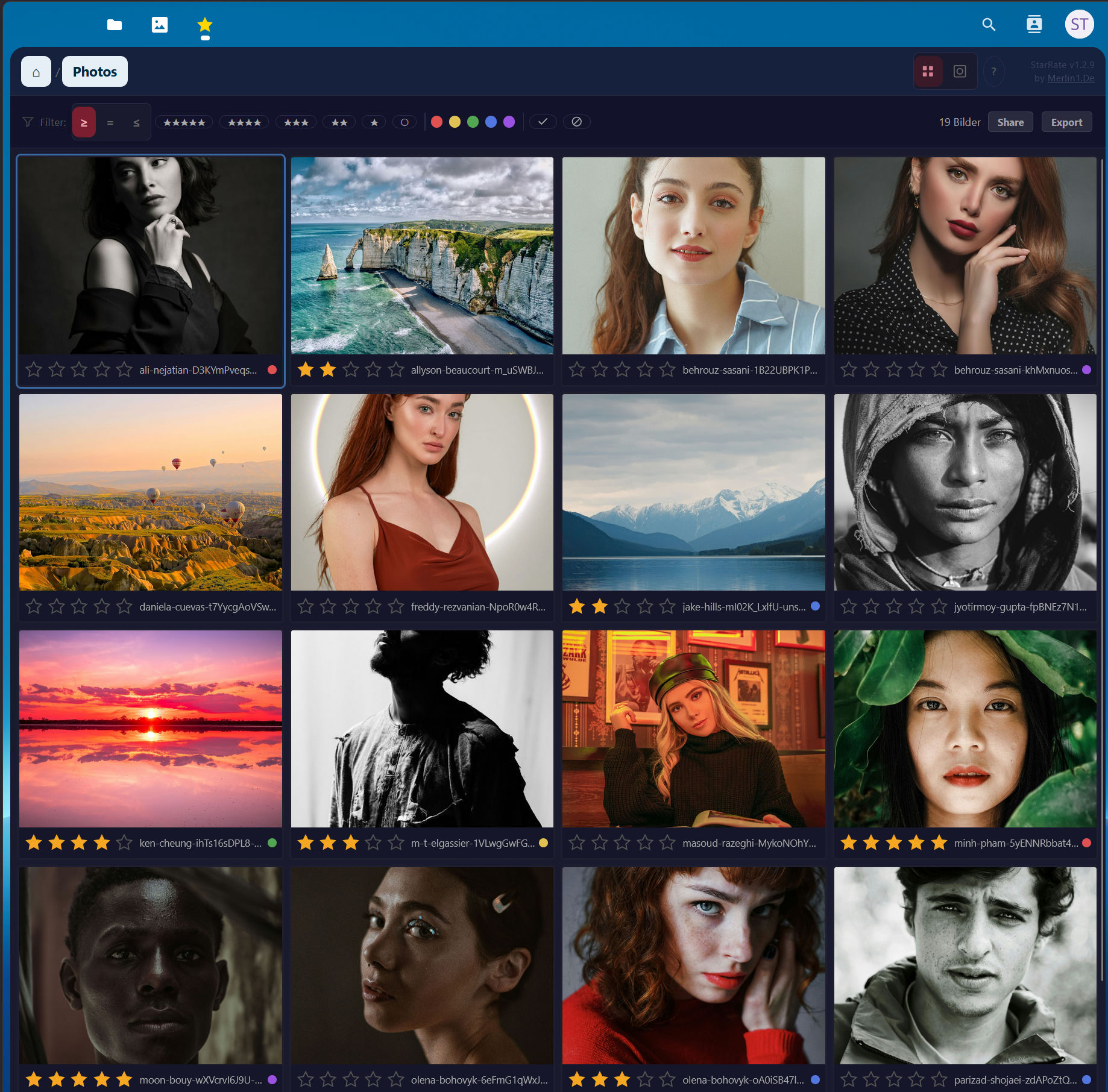
Grid view with star ratings and color labels
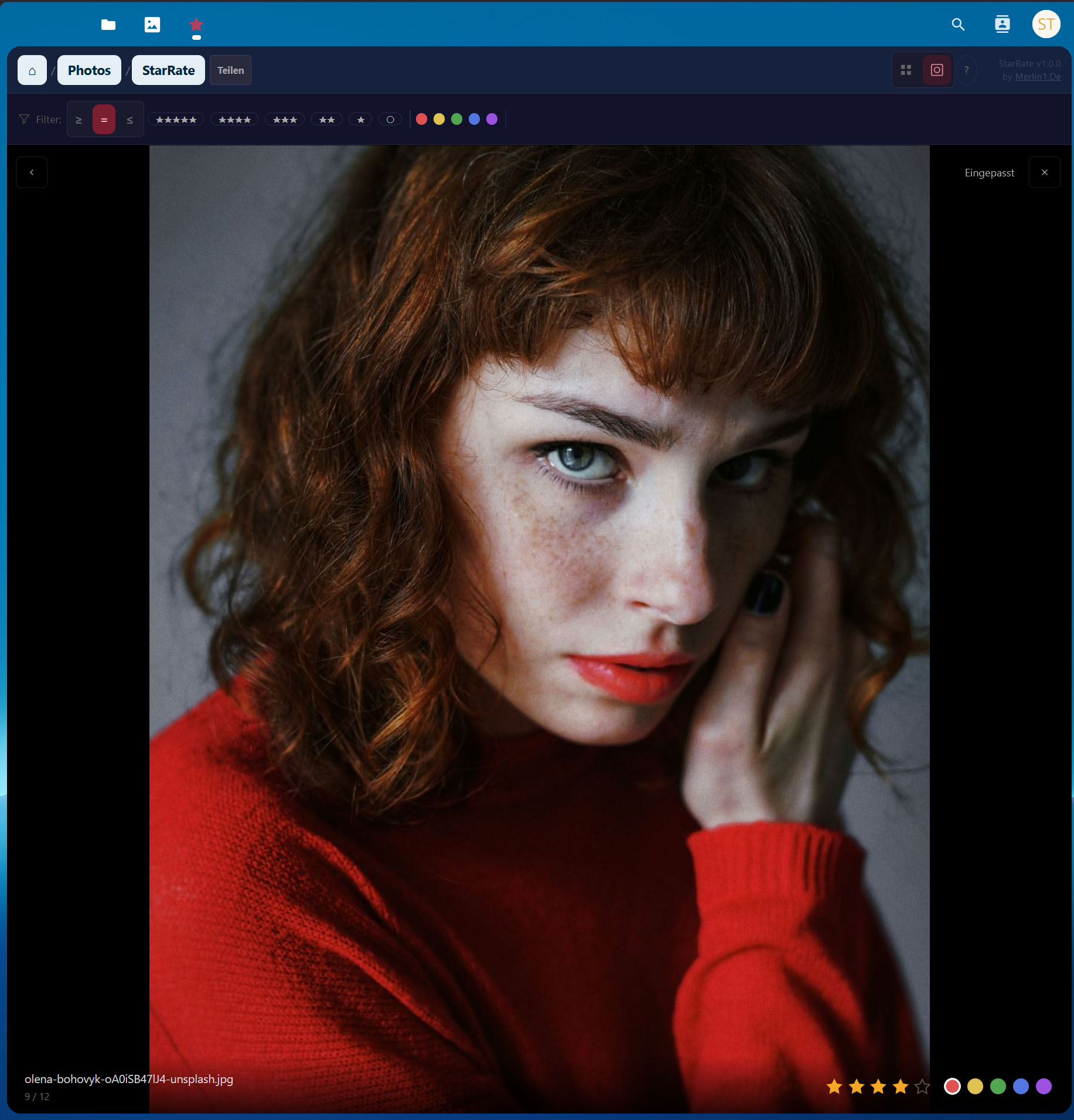
Loupe view with zoom and rating controls

Guest gallery on mobile - no account needed
Watch the demo
What is StarRate?
StarRate is a photo rating and culling tool for Nextcloud - built for photographers who want a Lightroom-style photo workflow without leaving their self-hosted cloud. Free and open source.
Assign star ratings, color labels, and pick/reject flags to your images directly in the browser. StarRate writes all ratings as XMP metadata into the JPEG - so Adobe Lightroom, digiKam, and other photo management tools read your stars and metadata instantly. No export needed.
Whether you're culling a wedding shoot, running a client proofing session via guest link, or rating your street photography on the go - StarRate turns Nextcloud into the self-hosted digital asset management tool it should have been.
Why StarRate?
Six things that set it apart.
XMP directly in the JPEG
Ratings are written into the file itself - not next to it, not somewhere else. Lightroom, digiKam, F-Stop, Darktable read them instantly. No sidecar files, no re-export, no "read metadata from file" step. This is the key differentiator to every other Nextcloud app.
Lightroom muscle memory
Same shortcuts (0–5, 6–9, P/X), same color keys, same mental model. A Lightroom photographer sits down and starts culling immediately - zero learning curve.
Guest shares without an account
Clients and models get a link, rate in the browser, done. No Nextcloud login, no app download. The photographer sees all picks in the share log. This is the workflow that's missing when you use Lightroom + WeTransfer.
Culling tool, not a library
One folder = one shoot = one session. Existing photo folders import recursively into Nextcloud via the occ command - no DAM, no catalog overhead. Open, rate, done.
Your data stays with you
Nextcloud = your own infrastructure. No cloud dependency, no subscription trap, no third-party servers for client images. GDPR out of the box.
Existing ratings come along
Photographers have years of curation in Lightroom or digiKam. With occ starrate:import-xmp --recursive you import your entire archive - stars, colors, everything stored in the JPEGs. No "I'd have to re-rate everything first" - instead, everything you had in Lightroom is already there.
Who is it for?
Wedding & Portrait Photographers
Cull thousands of photos with star ratings directly in Nextcloud. Use guest links for client proofing - they rate images, you see their feedback in real time. Export to Lightroom with XMP metadata intact.
Self-Hosted Photo Libraries
Use Nextcloud as your self-hosted photo management platform and StarRate as your image rating and culling tool. Rate, filter, and organize - without syncing to third-party cloud services. Your photos, your server, your metadata.
Lightroom & digiKam Users
Already rating photos in Lightroom? Import your existing star ratings and metadata into StarRate. Or rate in Nextcloud first and open in Lightroom later - the XMP metadata travels with the file. A seamless photo workflow across tools.
Features
Star Rating
0–5 stars with hover preview and keyboard shortcuts.
Color Labels
Red, Yellow, Green, Blue, Purple - just like Lightroom.
Pick & Reject
Flag images with P/X. Batch support via selection bar.
XMP Metadata
Written directly into JPEG APP1 segment. No sidecar files.
Guest Sharing
Public gallery links with optional password and expiry date.
Comments
Per-photo notes - owner and guests can comment.
Loupe View
Zoom 25–400%, pan, pinch-to-zoom, keyboard navigation.
Batch Operations
Shift+Click, Ctrl+Click, Ctrl+A - rate many at once.
Smart Filters
Combine: stars, color, pick/reject, unrated.
CSV Export
Download or copy ratings and metadata to clipboard.
XMP Import
Import existing ratings from Lightroom via occ command.
Dark Theme
Anthracite UI designed for long photo editing sessions.
Works With
Workflow guides
How StarRate fits into real photo workflows.
-

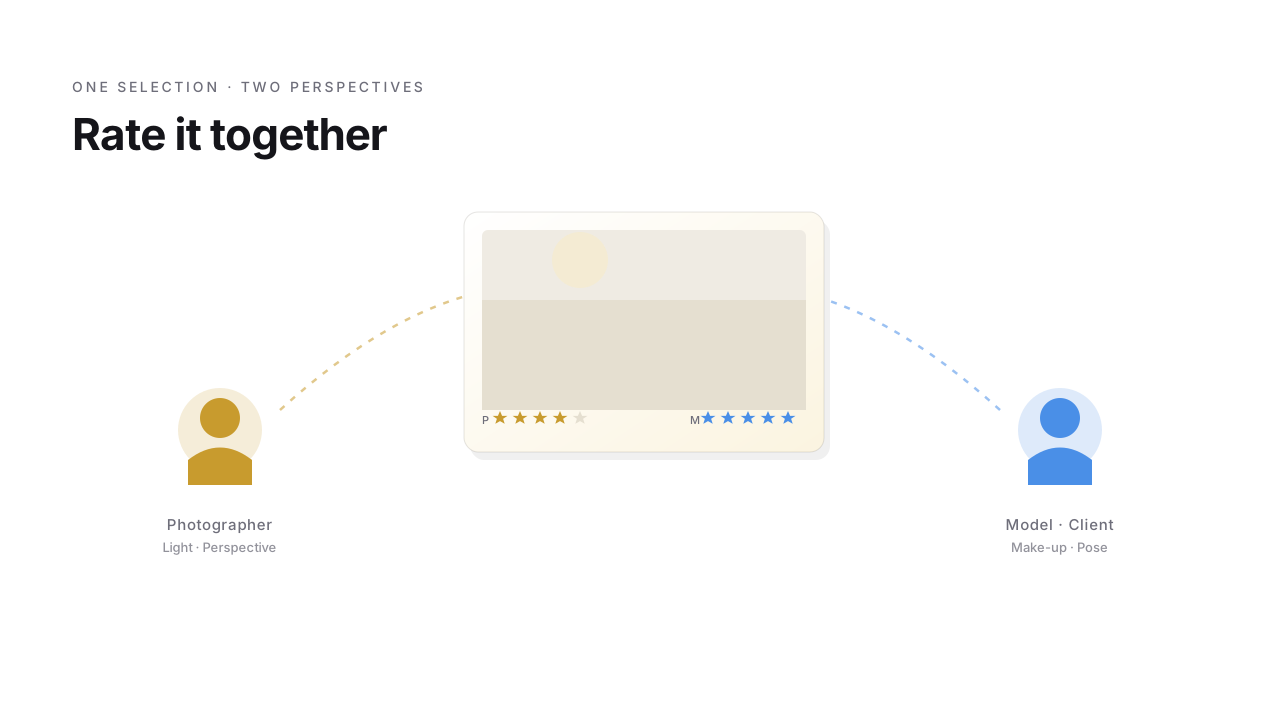
Nextcloud photo workflow: rate photos in the browser
When models and clients rate for themselves - turning a one-way share into a collaborative photo workflow.
Read more → -

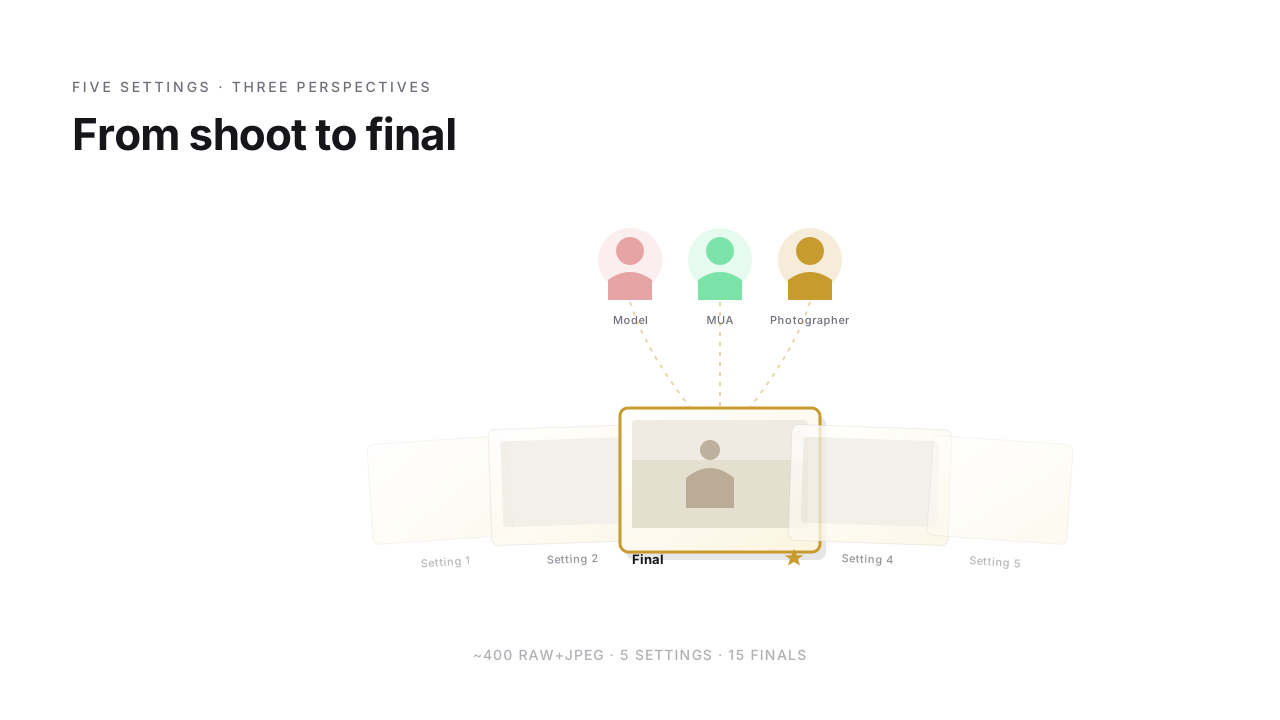
People photography: cull 400 RAWs to the final set
How 400 RAW+JPEG pairs become a final set of 15 images - People culling in consensus of model, MUA and photographer.
Read more → -

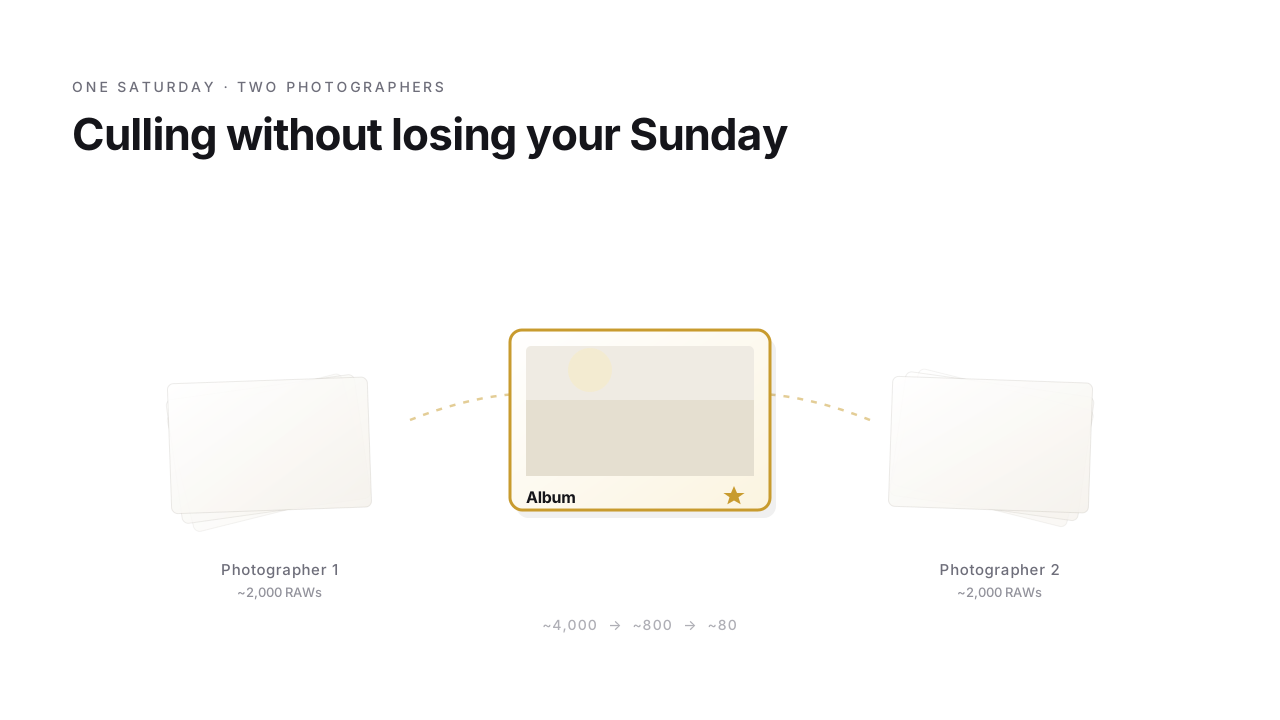
Wedding culling: 4,000 RAWs in 3 stages to the album
How 4,000 RAWs from Saturday become an album selection by Friday - wedding culling from rough cull to couple feedback.
Read more →
Ready to rate?
StarRate is free and open source. Install it from the Nextcloud App Store.
Support Development
StarRate is open source (AGPL-3.0). If it helps your workflow, consider supporting its development.