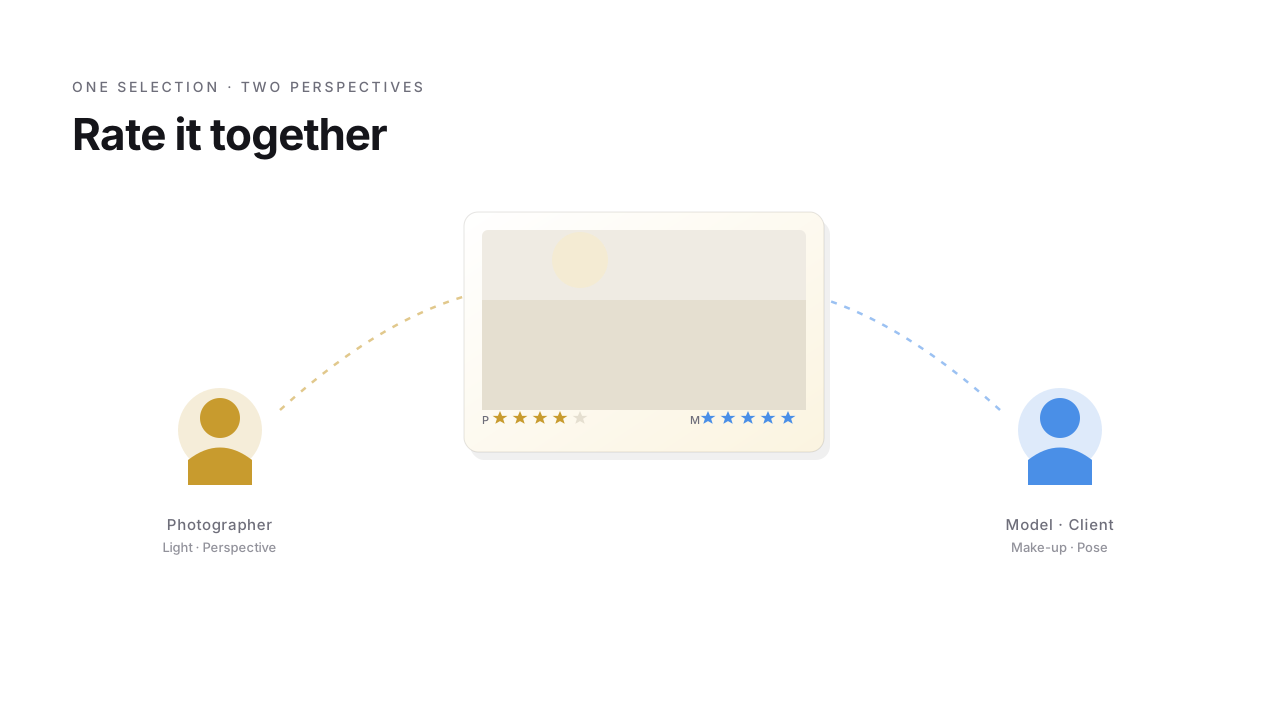
You probably have Nextcloud running already – mostly for sharing files. Folders with colleagues, documents with clients, team calendars. That's the Nextcloud DNA: not just storage, but working together.
But for photos, that collaboration stops the moment you need more than "looking at them together". Reviewing, rating, picking and rejecting together – what's a given for files and documents is completely missing from the Nextcloud Photos app.
That's exactly the gap StarRate fills. And the workflow that becomes possible isn't just what Nextcloud promised for photos in the first place – it goes beyond what you ever had with Lightroom alone.
The workflow that grates every time
If you work with models or clients, you know the pattern. You shoot, rough-cull, upload previews to a shared folder, send the link. Model or couple looks through them, picks their favorites, sends you the list via WhatsApp or email. "Image 0034, 0067, 0089, 0102 …".
You sit down in front of Lightroom and type the list in by hand. A star here, a color label there. Then you edit the selection. Then you upload the result. Then you send another share link.
It works. But it grates. Three manual hand-offs between two people – and friction in each one. Forgotten image numbers, typos, confusion when numbering doubles up, WhatsApp threads scattered across chats. And it feels like that every single time.
When rating becomes a two-way street
StarRate was built for exactly this pattern – a free Nextcloud app that does one thing: photo rating in the browser.
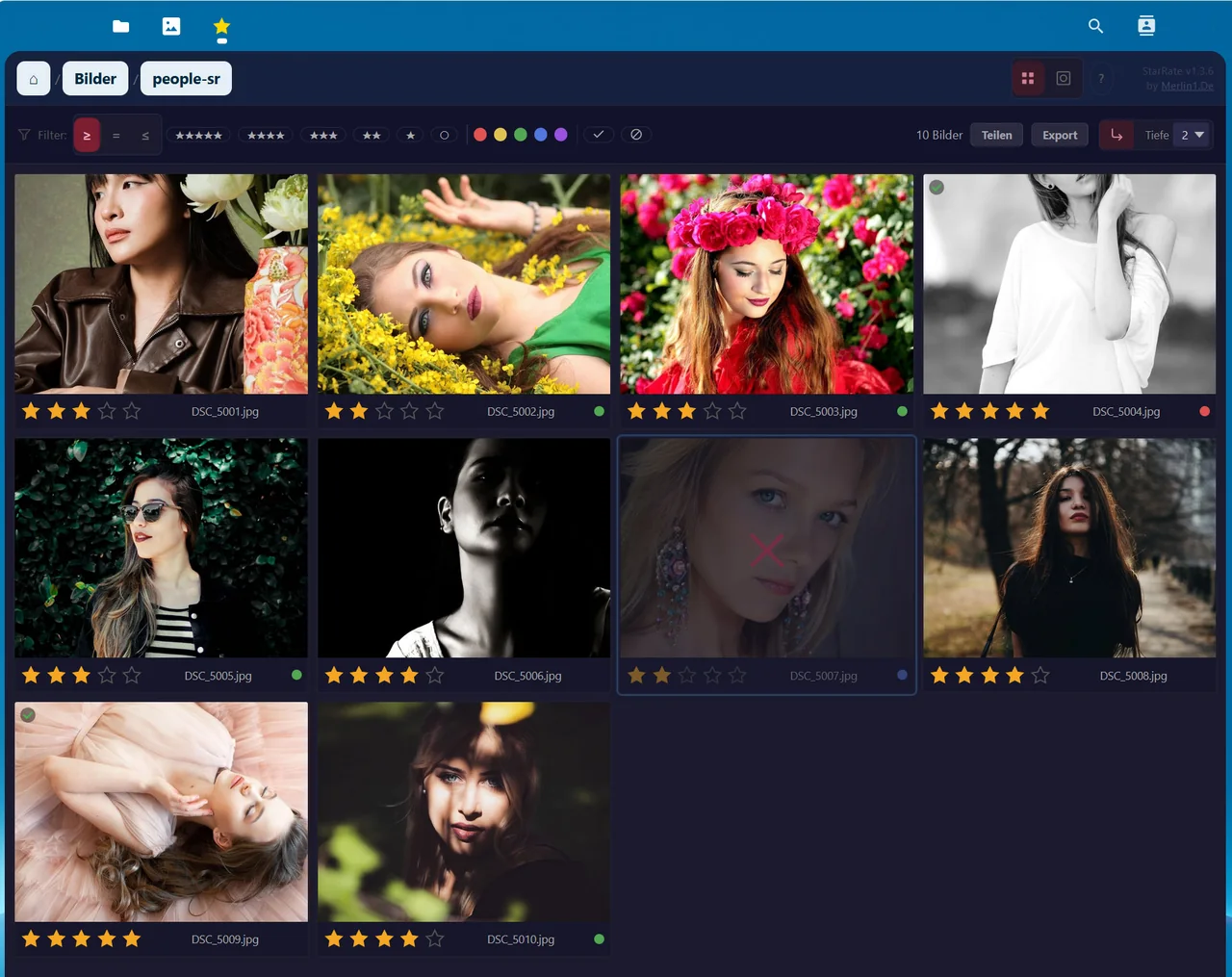
Your model or client gets a guest share link. No sign-up, no Nextcloud account, no app download. The browser opens the folder, your previews are there. Arrow through the images with the keyboard, hit number keys for star ratings, P for a pick. Just like Lightroom – without Lightroom.
And here's the bit where the typing falls away: the ratings land directly in the JPEG's XMP metadata. Not in a separate database, not in an external list – inside the file itself. In Lightroom you hit "Read Metadata from File" and all your model's picks are there. Stars, color labels, everything. No manual transfer, no double-bookkeeping.
The collaborative culling workflow
Here's where it gets interesting. The moment rating becomes a two-way street, you can split the cull.
My own routine for model shoots: the model does the first pass. She looks at what she can judge best – make-up, pose, whether her face reads the way she wants it to. Rates by her own taste.
Then I do the second pass. I look at what I can judge as the photographer – light, focus, composition, perspective. I can see her ratings as I go, because they're already in the file. Where we both rated four or five stars, that's the overlap.
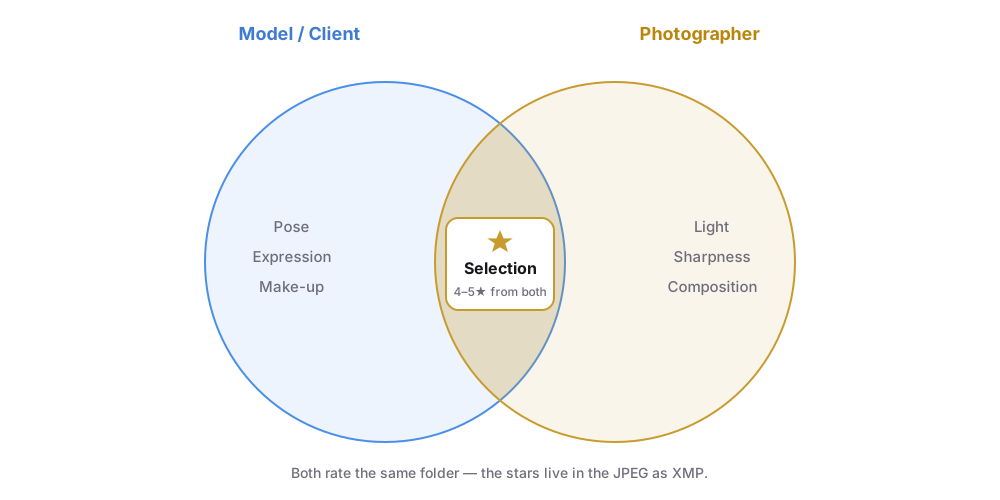
What used to be a 30-minute "type the list and reconcile" block is now a single click: Read Metadata from File. The consolidated selection is there, and I can move straight into editing.
Scales to weddings, events, every client interaction
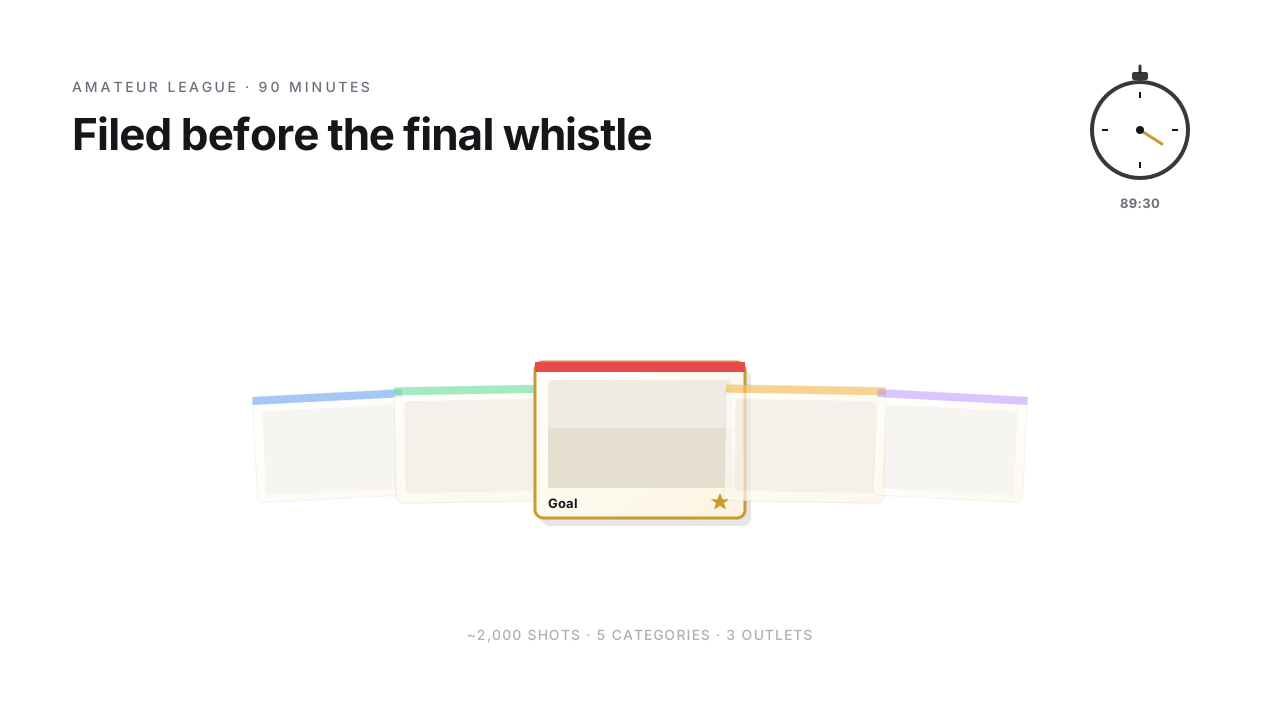
Same pattern works for wedding shoots. The couple gets a guest link with all the previews, rates their favorites – emotionally, from their angle. You do the photographic pass – technically, from yours. The overlap is the selection for the wedding album.
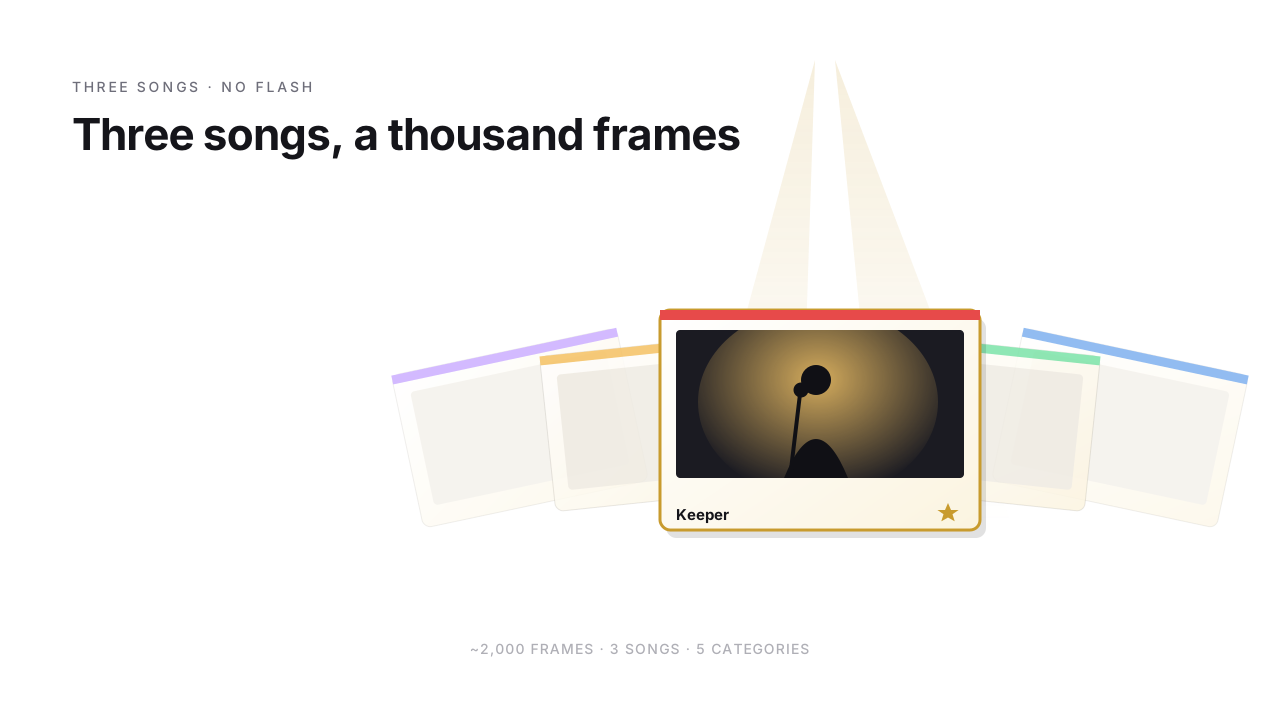
Same for events: the organizer picks the PR moments, you pick the strong compositions. Both lists meet in one file.
For handing off to print labs or album-design services there's a list export – the selection moves cleanly into the next workflow, without anyone typing image numbers again.
What else is happening in the self-hosted photo space
Nextcloud isn't the only player in self-hosted photos. Immich is the current buzz, very polished, with a strong mobile app. PhotoPrism is the established competitor. Both have their charm.
But they're their own photo worlds, with their own databases. You enter them by importing your photos into a new silo. The images no longer belong to the folder structure they lived in – they belong to the app.
Nextcloud stays file-based. Your photo folder sits where you put it, as files in the filesystem. And in the Nextcloud app store, StarRate is the only app that writes XMP ratings into those files. If you run Nextcloud and want to keep your photos as files, you don't have another option in this combination – but you don't need one either.
| Solution | file-based (files) | rating as XMP in the file | RAW | AI faces, auto-sort |
|---|---|---|---|---|
| Nextcloud + StarRate | ✓ | ✓ | ✗ | ✗ |
| Immich | ✗ (app DB) | ✗ | ✓ | ✓ |
| PhotoPrism | ✗ (app DB) | ✗ | ✓ | ✓ |
Mobile, on the go
The browser view is optimized for mobile. Swipe to flip through. Two-finger zoom to check details. Tap on stars. Works in any browser, no extra app install.
On the train, scrolling through yesterday's shoot and marking the obvious picks – no problem. When you get to your desktop later, your mobile ratings are already there.
What works (well), and what doesn't (yet)
Honest, because no solution covers everything:
- Works well: Reviewing and rating with stars (0–5), color labels and pick/reject. Filtering like Lightroom – by stars with ≤/=/≥, by color, by picks or rejects. Guest sharing without an account. XMP written directly into the JPEG (Lightroom reads it instantly). List export for print labs or album services. Mobile-optimized browser view. Recursive across deeply nested collections. Commenting on images directly, too – though those comments stay within the Nextcloud ecosystem, unlike stars and picks, which travel as XMP with the file.
- Doesn't (yet): No RAW – Nextcloud doesn't decode RAW files, so you work with JPEG previews you export beforehand.
If you want AI face recognition and automatic person-based sorting, you're better off with Apple Photos or Immich – that's not our focus. If you want to rate your photos seriously and select them collaboratively, and you care that the ratings travel with the file instead of being locked in an app database, you're in the right place.
If you're also on Windows desktop
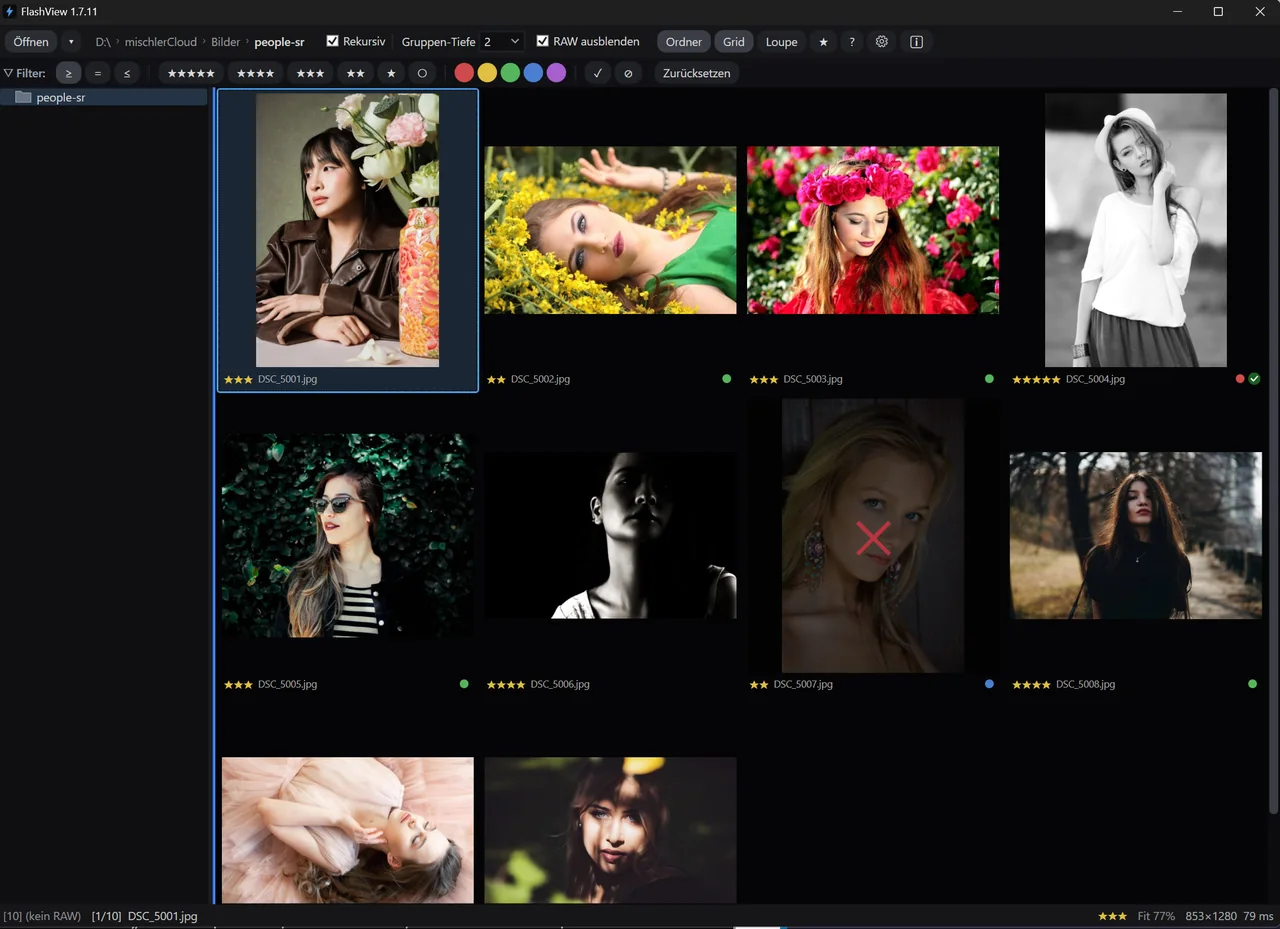
A quick cross-reference: if you also cull on the Windows desktop – RAW work before uploading to Nextcloud, say – FlashView is the desktop counterpart. Pre-cull on the Windows desktop and you can render the selection straight to JPEGs in your Nextcloud sync folder with Ctrl+E – exactly the preview images StarRate then works with. Both tools write XMP to the same standard. Stars from FlashView show up in StarRate and vice versa, no conversion needed. No lock-in, both tools interchangeable.
What's left
Back to the Nextcloud user from the opening. You can tick that box now: photos in. Reviewing works. Rating works. Sharing works. And the bonus: your models and clients get the experience of "I get asked, I get to pick" – instead of "I type image numbers into WhatsApp and hope nothing gets lost".
Self-hosted, file-based, collaborative. If that sounds like the workflow you actually want, StarRate is free in the Nextcloud app store. Install it, open a photo folder, done.