
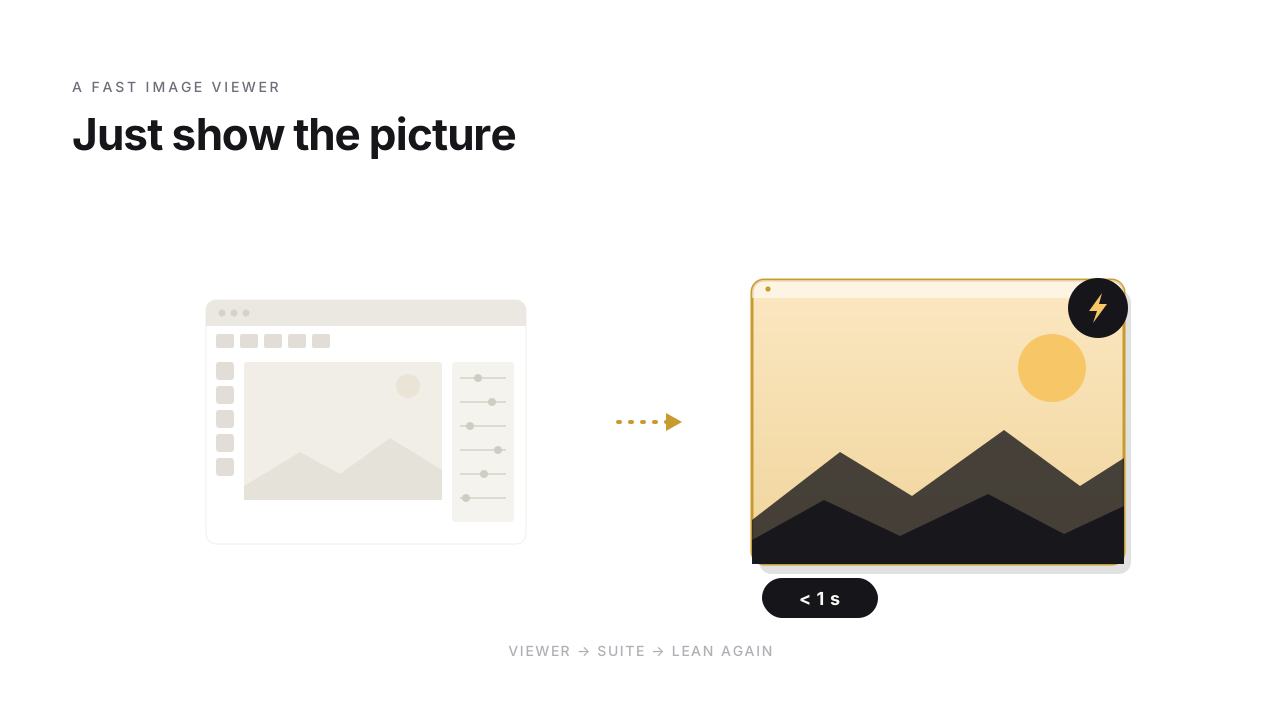
You open your photo folder, double-click the first image – and then: splash screen, the catalog is being read, a quick “checking for updates”. A few seconds later the picture shows up. Image viewers used to just show the picture. Instantly. And plenty of people still remember that this was exactly what made ACDSee great.
Anyone who sorted photos on a PC in the 2000s had it installed. The question is: what became of the fast viewer from back then – and what takes its place?
When ACDSee was fast
In the mid-90s, ACDSee was the fast image viewer on Windows. Double-click, image right there, space bar to the next one. On machines that were laughably weak by today's standards, you paged through hundreds of JPEGs with no waiting. ACDSee defined "fast" for an entire generation of photographers – it was the program you opened when you just wanted to see the picture.
How the viewer turned into a suite
Over the years the program grew. First image management with a catalog and keywords, then RAW development, later layers, face recognition, AI-assisted selection, plus subscription tiers. Every single step made sense – the market wanted more, Lightroom set the bar high, and a pure viewer was harder to sell than a full photo studio.
The result today is a powerful program. But no longer one that opens in half a second. That's not a criticism – it's a business decision you can readily understand. It just left a gap: for everyone who simply wants to move through their images quickly.
Why so many stayed on old versions
I know photographers who to this day run an ACDSee version from the early 2000s – deliberately, because it was lean and opened instantly. No catalog, no forced updates, just paging through images. It's easy to see why.
It's a dead end, though:
- New formats are missing. A current camera produces RAW files a 20-year-old viewer doesn't recognize. HEIC from a phone it won't show at all.
- No security support. Software from the XP era gets no more updates – on a modern system, an open door.
- It eventually breaks. With the next camera or the next Windows update at the latest, the old viewer stops showing the files.
What a fast image viewer needs today
What was good about old ACDSee – speed and simplicity – is just as wanted today as it was back then. Only with the formats of now. Concretely:
- Launch in under a second, without having to build a catalog first.
- Modern formats – current RAWs from the common manufacturers, the usual JPEG/PNG/TIFF.
- Smooth paging even through folders with thousands of shots, no stutter.
- Rating and categorizing for sorting out – stars and color labels – without the ballast of a full editor.
| Viewer | launch under 1 s | modern formats & security | lean (no catalog/subscription) | rating & colors |
|---|---|---|---|---|
| Old ACDSee version | ✓ | ✗ | ✓ | basic |
| Current ACDSee | ✗ | ✓ | ✗ | ✓ |
| FlashView | ✓ | ✓ | ✓ | ✓ |
Back to the lean viewer
This is exactly the gap FlashView fills: an image viewer that deliberately does not want to be a suite. Fast launch, a modern range of formats, rating and color categorization for sorting out – and then it stops. No catalog to maintain, no layers, no forced subscription. The spiritual successor to the fast viewer of old, not the next photo editor.

What remains
ACDSee earned its reputation and went its way – toward the full photo studio. For everyone who finds that too much, the answer was long "stay on the old version". Today there's one again that isn't stuck in the past.
An image viewer that simply shows the picture. Instantly. Sometimes that's exactly what's missing.
If you're looking for a lean, fast image viewer, you'll find FlashView at flashview.net.