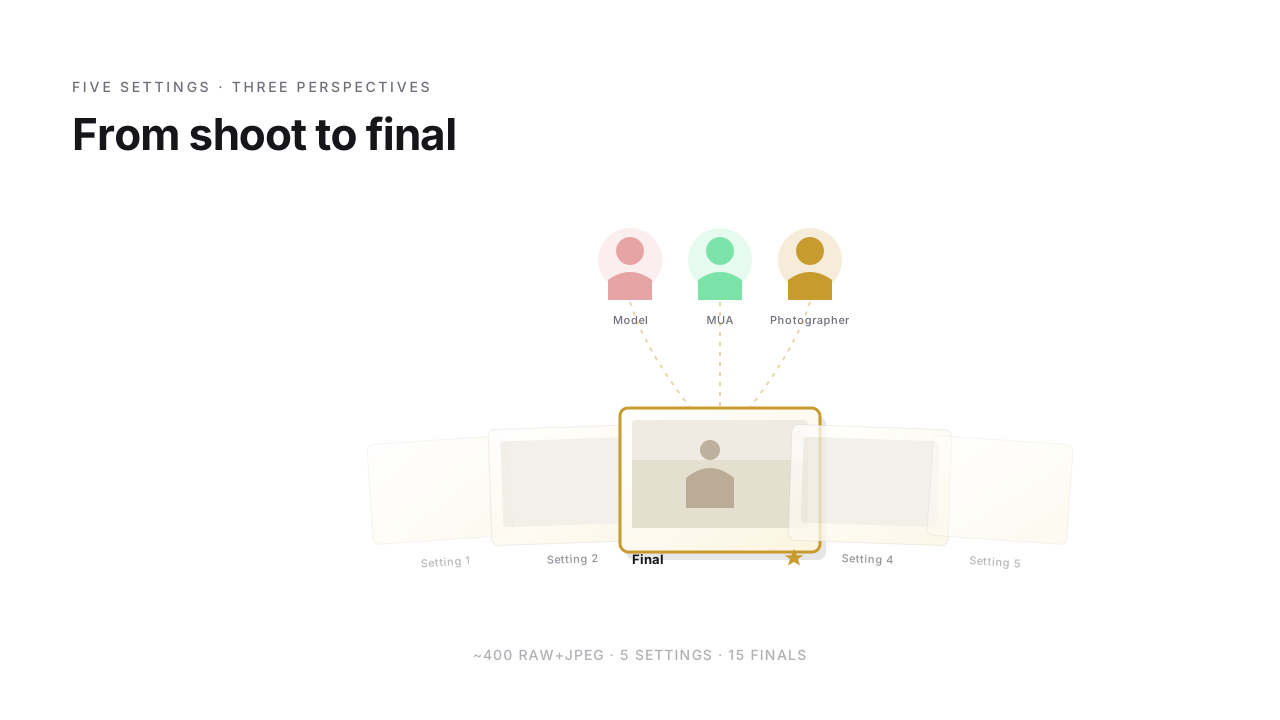
Studio shoot. Model and MUA ready – three hours later there are 400 RAW+JPEG pairs on the card. Shot setting by setting, lighting rebuilt between settings, five in total, 60–100 frames each. At the end, a final set of around 15 images should be left for editing. Without hours of back-and-forth – and with all three voices from the set.
Here's the workflow I use for that.
What shapes my People workflow
- Hybrid capture RAW+JPEG. RAW for editing flexibility, JPEG later as a lightweight archive backup.
- Settings as structure. 3–5 settings per shoot, 60–100 frames each. Rating runs collaboratively as a group, per setting.
- Pose and expression as selection criteria. Sharpness is a prerequisite, but the call is made on a composite picture: pose, mouth, eye contact, hands, overall posture. Before the StarRate round you lay two frames from a near-identical pose series side by side with C and pick the sharper one – so only the best hit goes into the rating round.
- Three rating perspectives. Model, MUA, photographer – each looks at something different, all rate in parallel.
- Hard sorting afterwards. 1-star and rejects get deleted. My archive shouldn't keep everything for no reason.
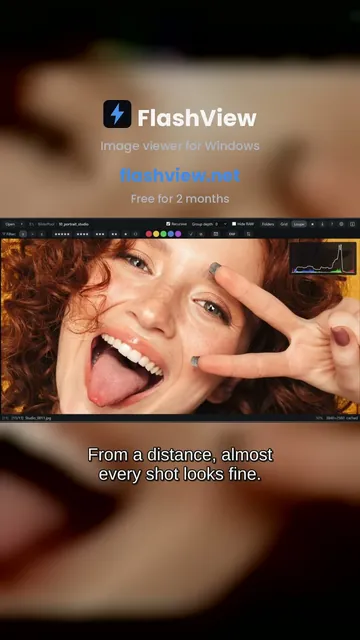 Short · YouTube
Is it sharp? One click to 100 %
Watch video →
Short · YouTube
Is it sharp? One click to 100 %
Watch video →
Why hybrid RAW+JPEG
Hybrid capture isn't a given in the People space – most shoot RAW only. My two reasons:
RAW is the editing foundation. Skin retouching, color grading, tonal range – everything needs the full headroom.
JPEG serves the archive later. When a shoot is done and the selection edited, I delete most RAWs for standard shoots. What's left: the edited versions plus the original JPEGs from the camera. If years later I need to revisit an image, I have the original state as JPEG reference, without the archive suffocating under RAWs. For important shoots (editorials, highlights, long-term clients) the RAWs stay, of course.
The JPEGs for the rating round are a different thing – those I write straight from FlashView into the Nextcloud folder with Ctrl+E, specifically for rating.
Three perspectives, one selection
The rating round runs in Nextcloud + StarRate. I write the rating JPEGs straight into the NC folder with Ctrl+E. Model and – if present – MUA get a guest share link, no account needed.
Each rates from their own perspective:
- Model looks at pose, outfit, expression – what she wants to see of herself.
- MUA (if present) looks at the makeup – fit, symmetry, consistency.
- I rate with StarRate in the same folder – light, composition, overall impression.
All three use the same tool, in the browser, whether on desktop, tablet or mobile. The stars and picks land directly in the JPEG as XMP metadata. At the end there's a consolidated picks list of files to keep.
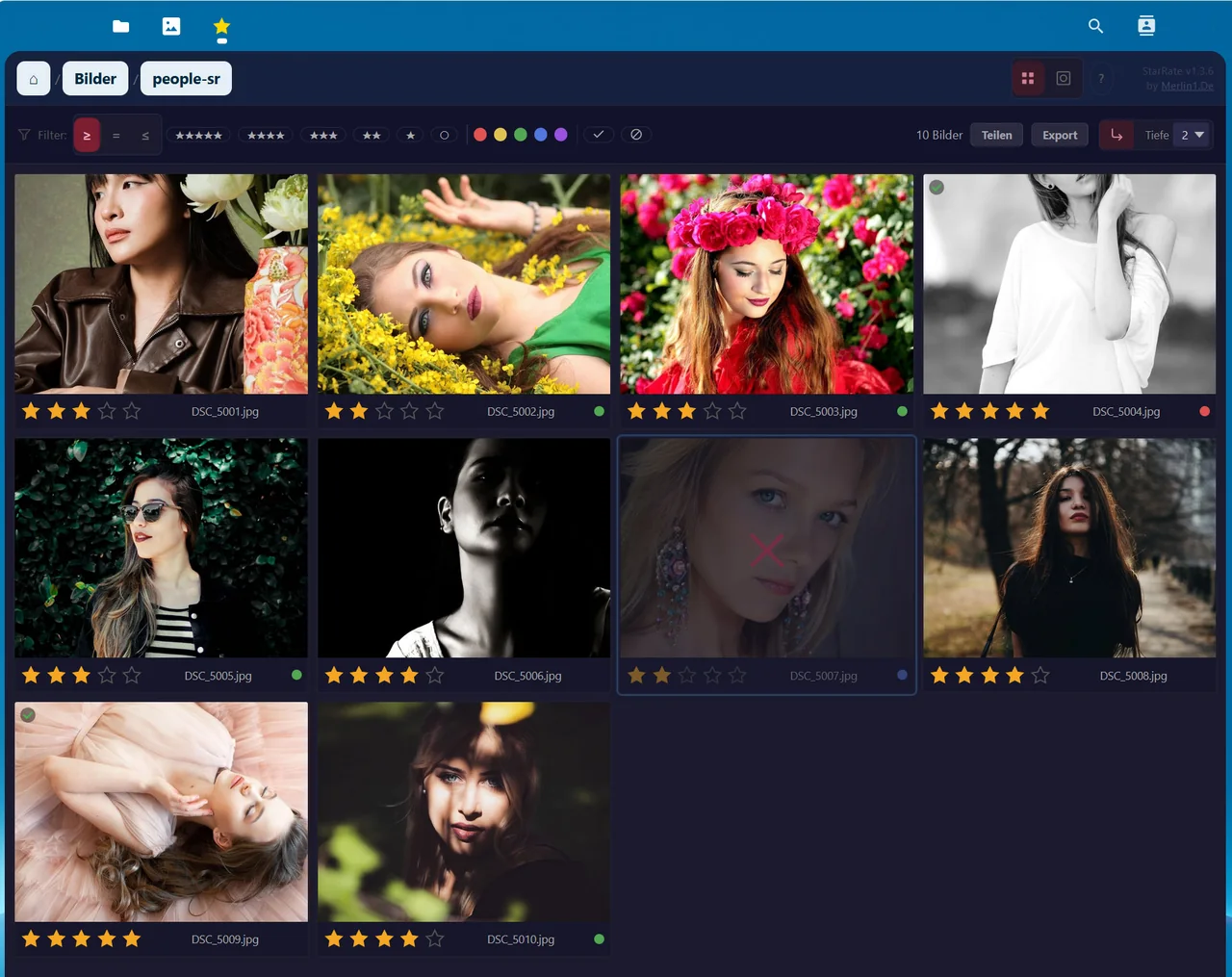
The full story behind it is in the Nextcloud photo workflow article.
Hard sorting instead of hoarding
1-star and rejects get deleted. No "maybe I'll keep it just in case" safety copies.
This is cleanup – the misfires, the blurry frames, the blink shots. Data junk that needs to go. If you carry it along, over the years you build an archive where the good shots disappear between 90% reject.
Editing and retouching
Light and color per setting I now straighten out directly in FlashView: build a style once, name it, and apply it across every frame of that setting in the grid – same mood, consistent style, non-destructive. For the finals, where every detail counts, I move on to Lightroom with the RAW+JPEG pairs and fine-tune per image.
When more involved skin retouching or compositing comes in, I go to Photoshop – handed over from FlashView as a PSD, worked on, saved; the new version shows up again by itself. For most images LR is enough.
Archive approach
After editing the archive emerges:
- Standard shoots: edited JPEGs plus the hybrid JPEGs from the camera. RAWs get deleted.
- Important shoots (editorials, highlights, long-term clients): edited JPEGs plus hybrid JPEGs plus RAWs.
Reason: a People archive over the years otherwise becomes storage hell. With this approach it stays manageable, and I can always go back to the original states, without every standard shoot costing 50 GB of RAW files.
What do you use when?
Briefly:
- StarRate for the rating round with model and MUA. Browser, desktop or mobile. Ratings land directly in the JPEG.
- FlashView as a fast image viewer in the current shoot and when browsing the archive later. Filters by XMP ratings, browses recursively across all shoots too. During a quick review mid-shoot you check exposure and clipping at the setup with H, before you rebuild the light.
- A style per setting in FlashView across the whole selection, Lightroom for fine-tuning the finals.
- Photoshop for more involved skin retouching or compositing – rare for me, but when needed, here.
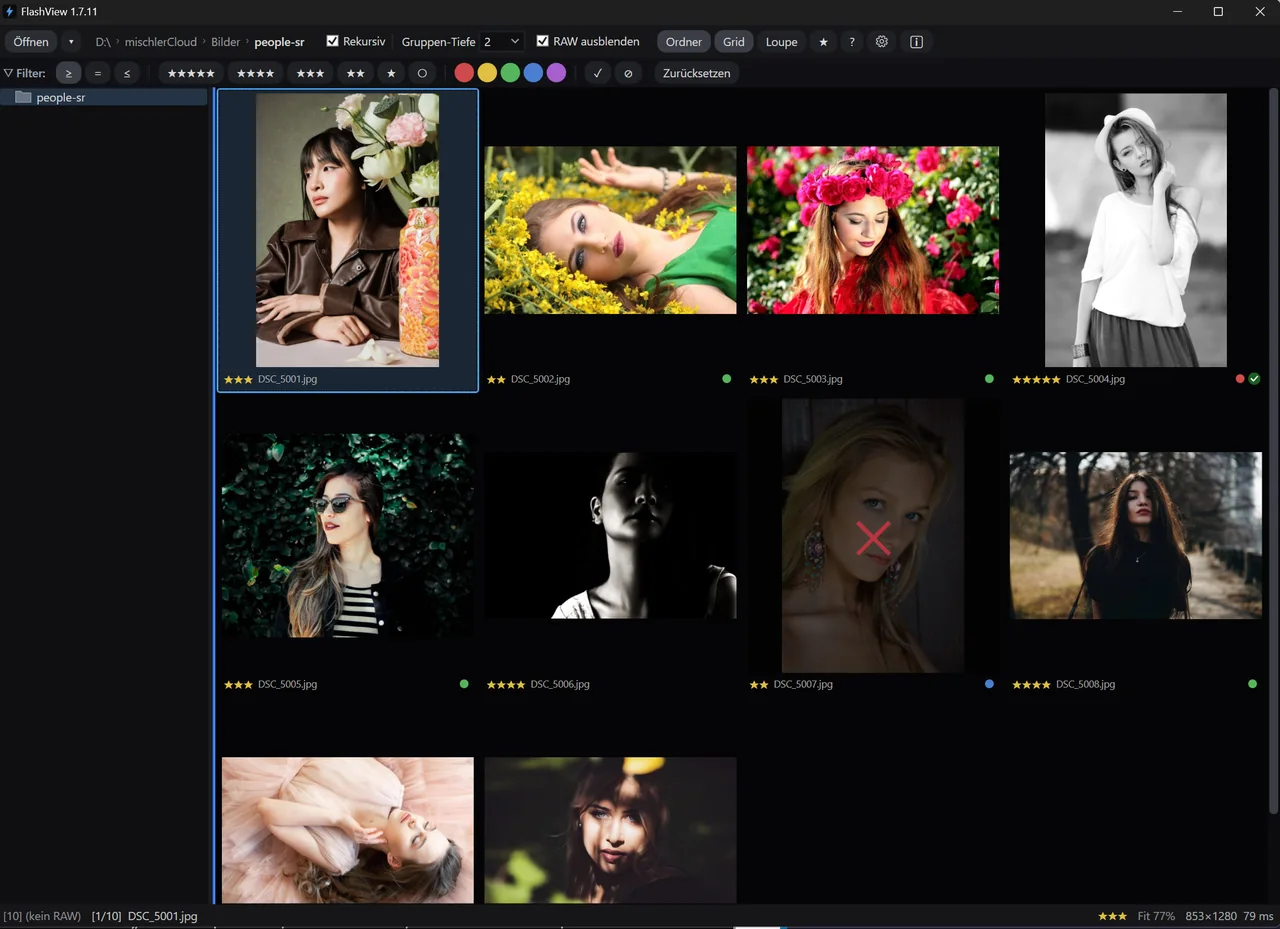
What's left
Studio shoot wrap. Next day, the participants can already see and rate the images.
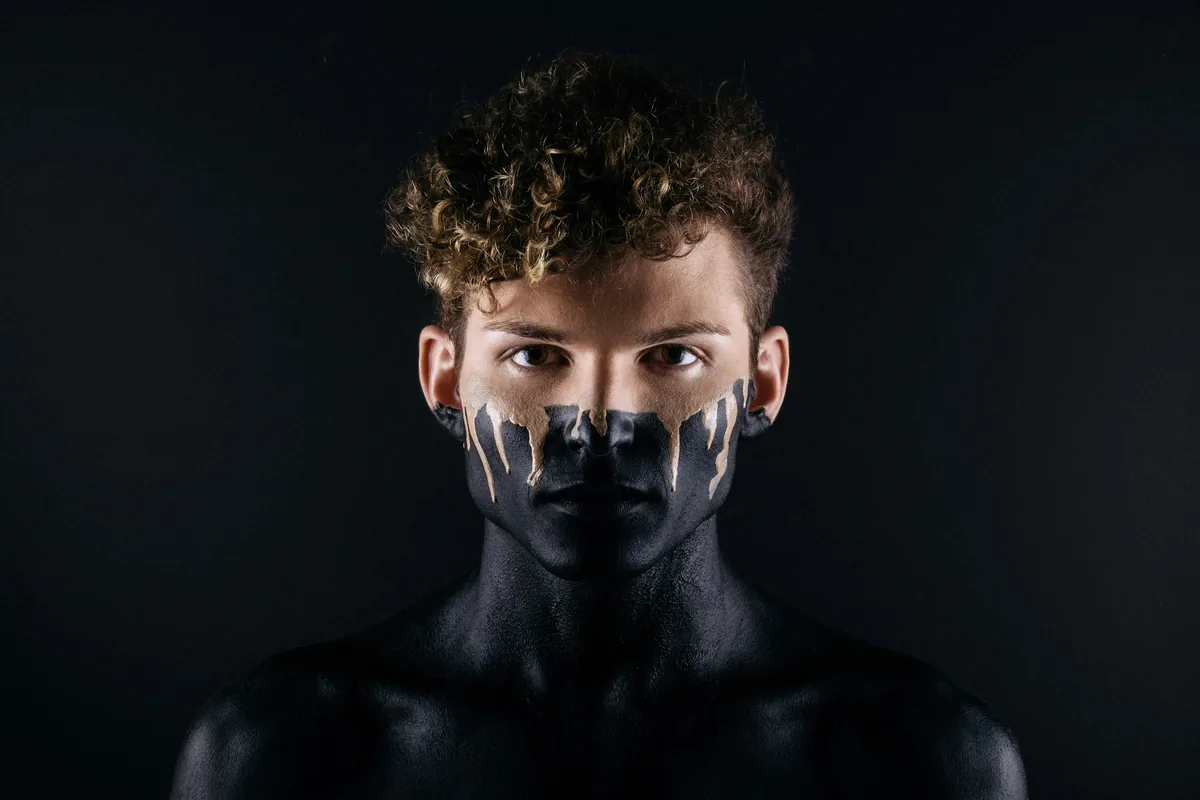
If you'd like to try FlashView for that, it's at flashview.net. StarRate is free in the Nextcloud app store, details on the StarRate page.