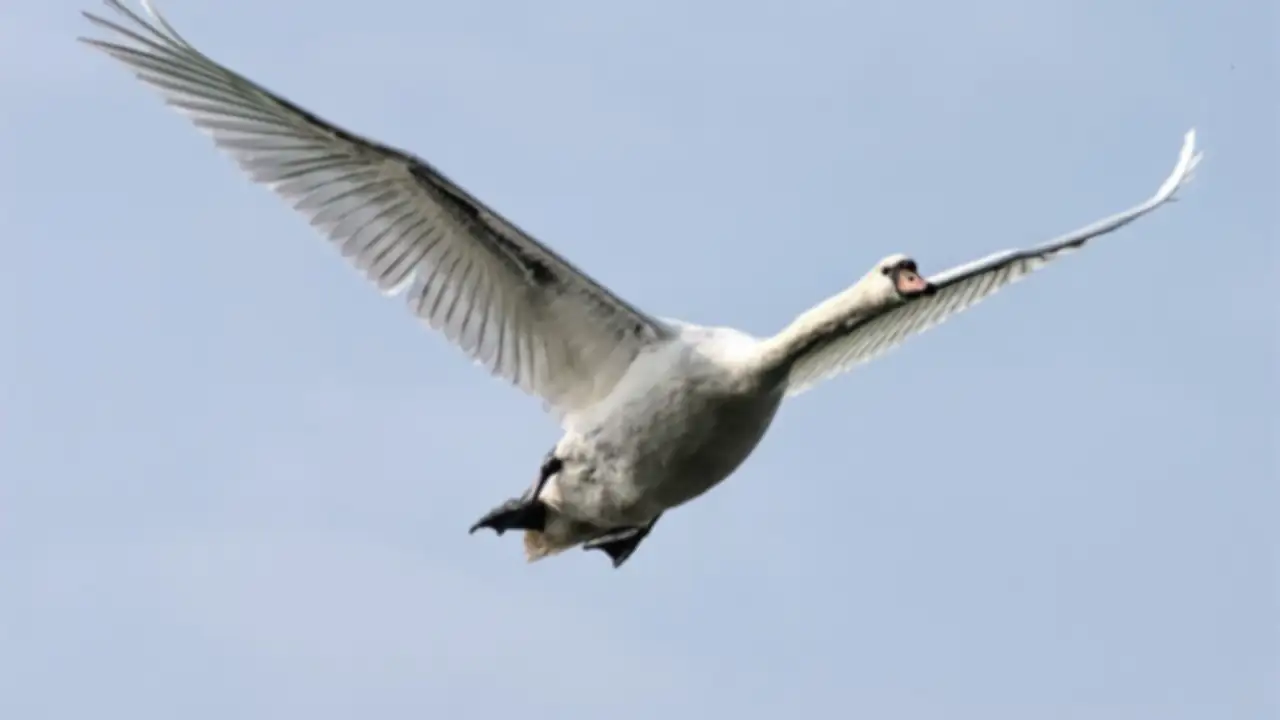
Weekend in the woods. You brought the long lens, swapped through three cards, waited at the ready at dusk. Back at the desk: 2,000 RAW files on disk. About 100 bursts of 10–30 frames per moment – the blue tit approaching the feeder, the roe deer mid-jump, the kingfisher diving. From each burst, one should remain. Maybe two.
No client waiting. No Friday delivery. Just you, the pile, and the question: which shot has the sharp eye?
What wildlife photography is about
What shapes the workflow:
- Bursts dominate. 10–30 frames per moment is normal. From each burst, one shot survives – maybe two. The rest go.
- Sharpness on the eye is the criterion. If the muzzle is sharp and the eye isn't, the shot is out – no matter how beautiful the composition. Everything else is secondary.
- Pixel-peeping is mandatory. With a 600mm lens and a focal plane of centimeters, it's decided in 1:1 view – never in the grid preview.
- Solo workflow. No commissioner, no deadline. Just you.
- Keeper rate very low. Typical is 3–8%. If you keep 15% in wildlife, you haven't sorted hard enough yet.
- RAW is the norm. Dynamic range in forest backlight, at dusk, in snow – RAW isn't a luxury here, it's a prerequisite.
The burst-cull strategy
Every burst runs in two passes.
Pass 1 – Technical sorting. Motion blur (shutter too slow for the speed), wrong focus point (on the neck, body, or wingtip instead of the eye), hidden or averted eyes, off-balance composition with no breathing room – mark all as reject with X. What remains: typically 3–5 frames per burst, technically usable.
Pass 2 – Best of the best. From the 3–5 frames pick the one or two where the eye is really sharp and the pose, light, or background works best. Mark with a star or P for pick.
Pixel-peeping with the loupe
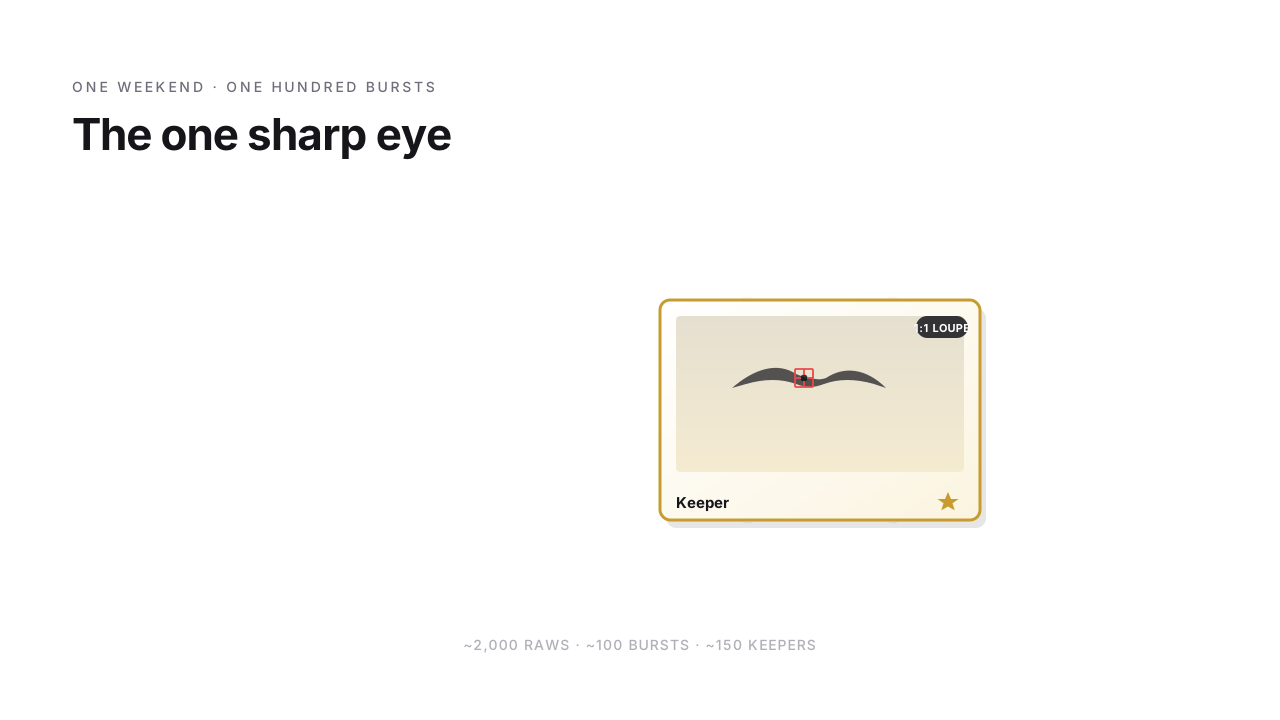
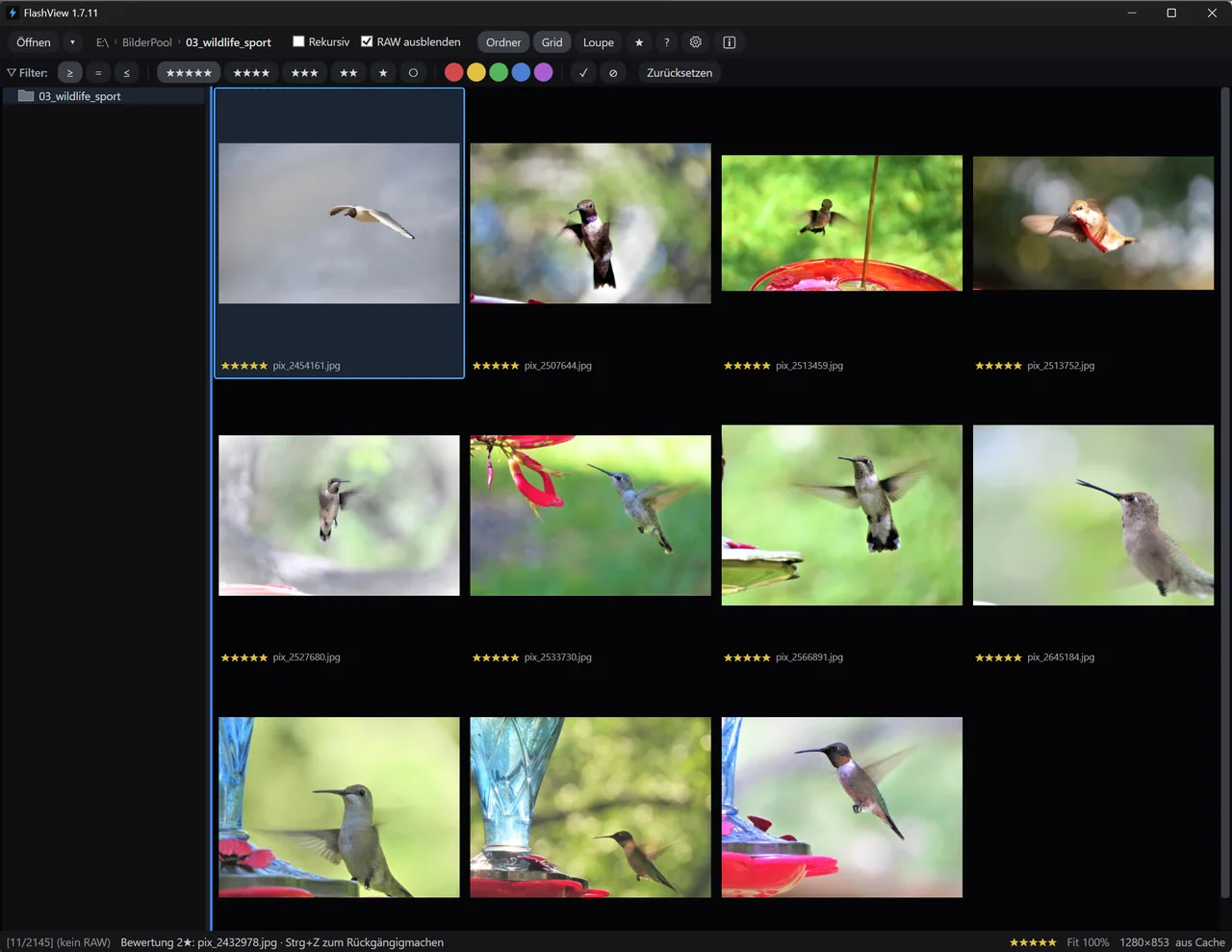
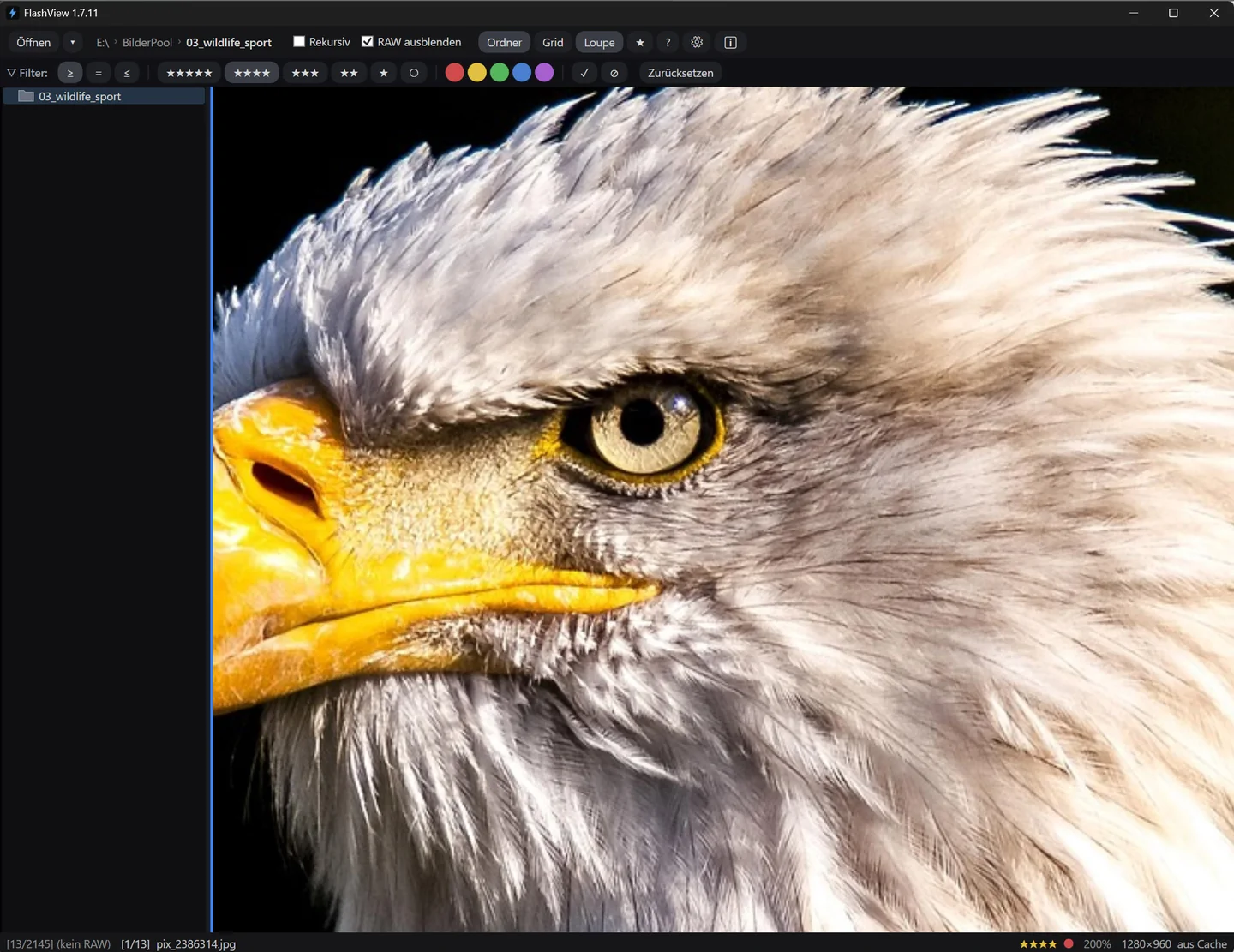
Here's where the real test happens. In wildlife photography everything is decided on the eye – and you don't see that in the grid preview, you only see it at 1:1.
In FlashView you open the first image of the burst in the loupe, zoom to 1:1, position on the eye. So the crop doesn't snap back with every step, you right-click and turn on "Lock zoom". Now arrow through the rest of the burst – the frame stays the same, you see every eye at 1:1 zoom in exactly the same position. Which one is sharp, you see in seconds. Which one is just slightly off, too. Instead of serially flipping back and forth between the two remaining, equally sharp candidates, you lay them side by side with C – one side active, the other as a sharpness reference – and the overthinking resolves in seconds. In the same loupe pass, you check with H whether the white plumage in snow or the highlights in backlight are blown out, before a sharp but overexposed frame takes the keeper slot.
Where solo workers get stuck
Without delivery pressure and without a client, there's a specific trap: overthinking. "Maybe that one? Or the one before?" Half an hour per burst – and on Sunday evening you're still on burst number 30 of 100.
Rule of thumb: a fixed time budget per burst. 30 seconds to maximum one minute. If you can't decide after a minute, it's probably between two equally sharp frames – mark both and move on. Later, during editing, you decide again. Or keep both.
Categorization by behavior (optional, for the archive)
If you're building a wildlife archive over years, a color system pays off during the cull:
- Red for action (flying, jumping, hunting, feeding-in-action)
- Blue for portraits (static, frontal, eye contact)
- Green for behavior (preening, courtship, social interaction)
- Yellow for habitat (animal small in landscape, environmental)
- Purple for detail (feather pattern, paw, eye in macro)
This is where FlashView shines. Point it at the entire photo folder as root – recursive across all trips, all species, all years. Narrow down by color filter to a specific behavior, and the kingfisher dive from three years ago shows up in minutes, not an afternoon of scrolling. The same scaling story from the RAW culling article – it really pays off here, because wildlife archives grow into the tens of thousands over years.
What do you use when?
Briefly:
- FlashView for the entire cull: burst pass-through, 1:1 loupe for pixel-peeping, categorization for the archive. Exactly the strengths that count here.
- Lightroom after the cull. Editing, sharpening, noise reduction, export.
What's left
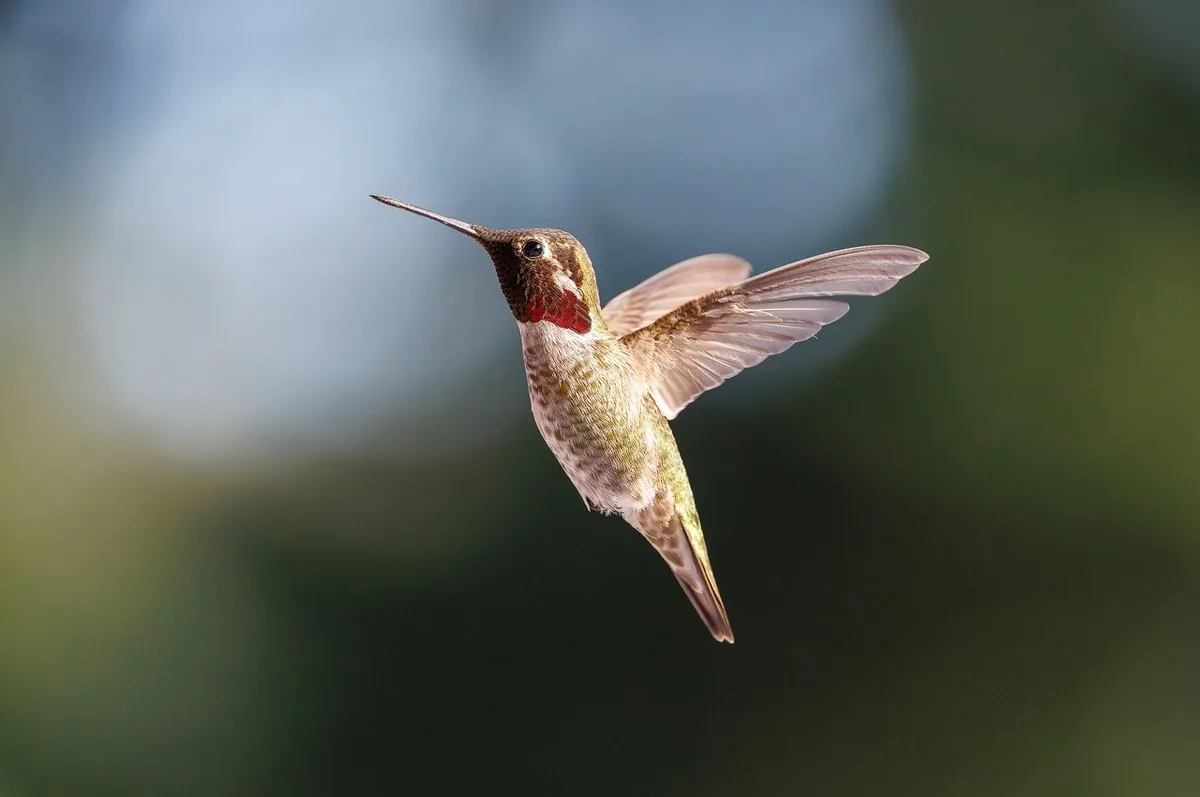
Sunday evening. Instead of 2,000 images, 150 keepers are ready for Lightroom. From each burst one, maybe two – all sharp on the eye.
The one sharp eye. Nothing more.
If you'd like to try FlashView for that, it's at flashview.net.