Saturday evening, the weekend can begin. The midday shoot is done: three hours, four outfits, and a lot of experimenting with light: LED, raking light, beauty dish. There are great shots in there, I could already see that on the camera display, and I can't wait to finally see them big. A good 600 RAWs are on the card. Only one thing is new: the Adobe Photography Plan is cancelled. No Lightroom, no Photoshop.
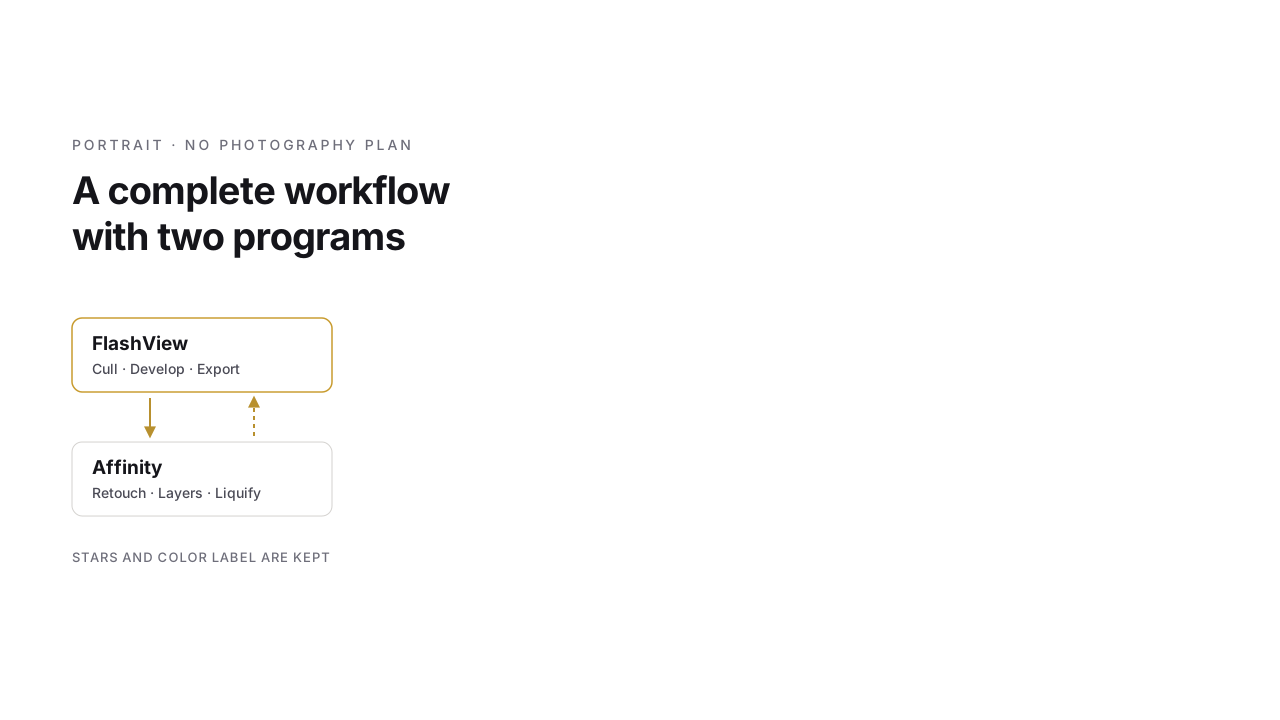
First things first: I'm a relaxed photographer. I don't promise a selection by tomorrow morning, and I don't sit up all night. The pictures get the time they need. But when I do sit down, the software shouldn't slow me down. I don't like waiting a second after every click, everything should be fast and fluid. And that's exactly how it is: the whole way from reading the card to the finished retouch works with two programs, easy and seriously fast. FlashView from reading the card to exporting the pictures, Affinity for the few pictures that need a bit more editing.
Card in, pictures there
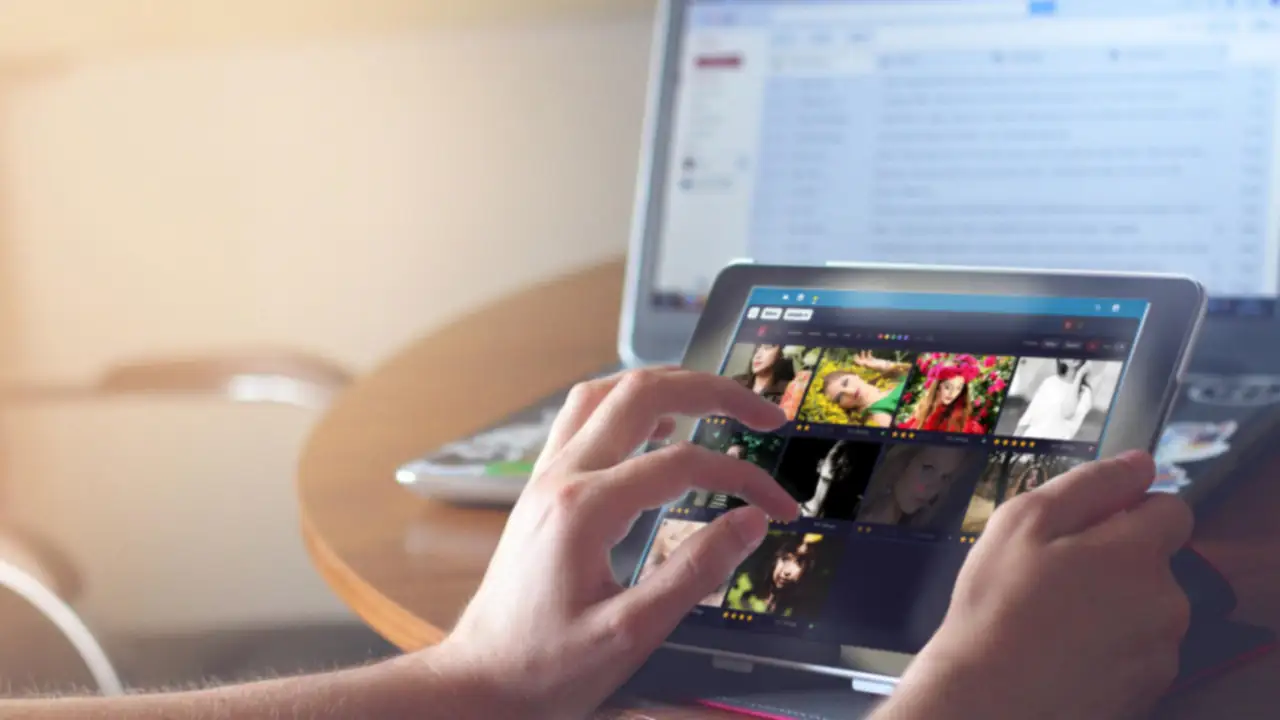
Insert the card, and FlashView copies the files into the right shoot folder with the date and verifies the copy. No catalog that has to be set up first, no progress bar building previews. While the import is still running, I'm already paging through the first pictures, at full resolution and as fast as I press the arrow key. This is the moment I've been looking forward to all afternoon.
The selection
With portraits, it's the look and the expression that decide. I go through the four outfits, give stars, mark favorites with a color and filter down to what's left at the end. Tonight is just a first pass. I'll do the fine-tuning tomorrow with fresh eyes, maybe not until the day after.

Developing: once per light
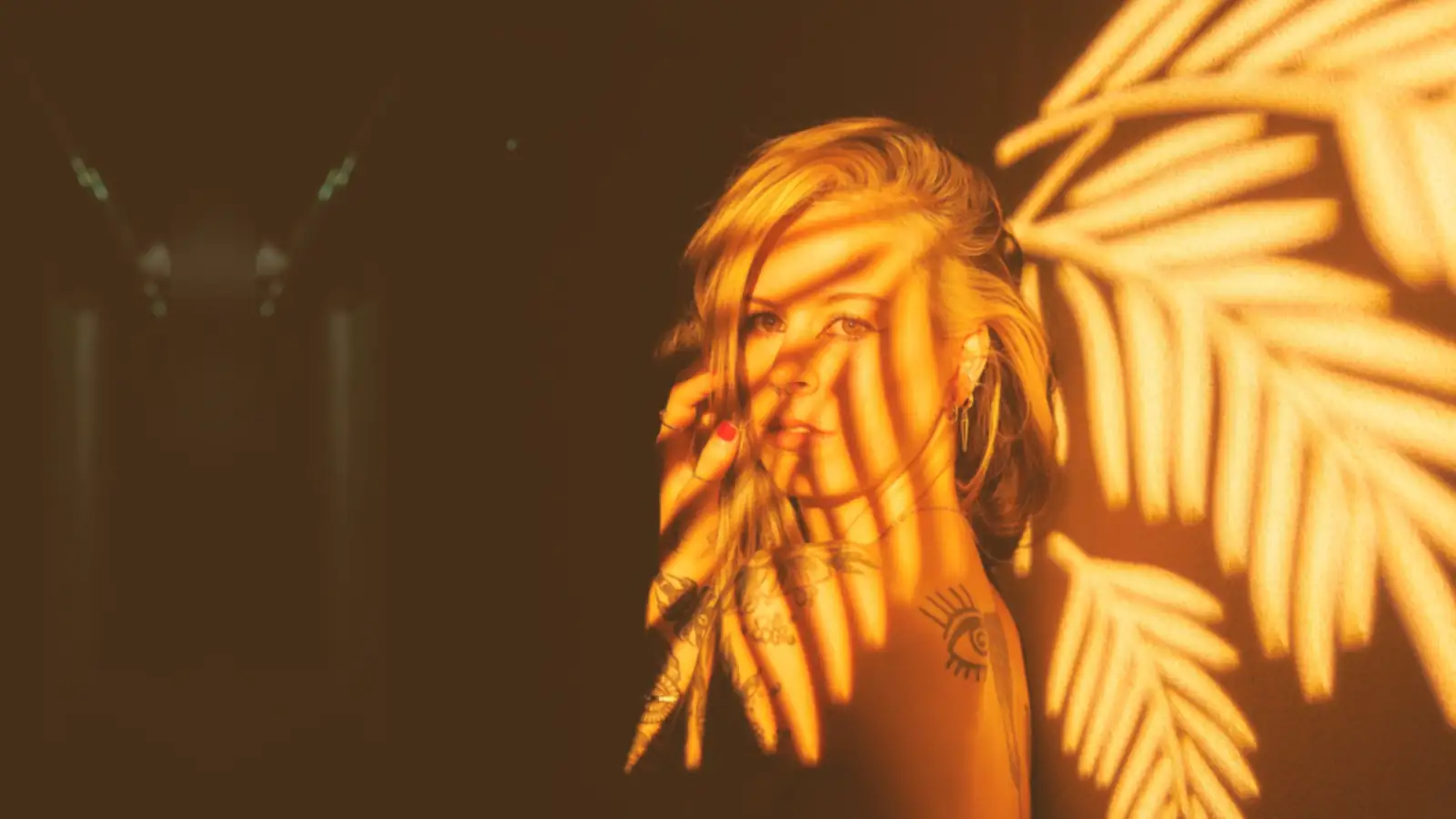
Every setup had its own light: the soft, round light of the beauty dish, the hard raking light that brings out every texture, the colored LED accents. So I develop one picture per setup properly - white balance, exposure, contrast, a look for the skin tones - and apply the settings to the other pictures of that setup. Everything stays non-destructive, the RAWs are untouched, and every change can be undone later. For most of the pictures, that's the job done.
The few pictures that need more
What's left is a handful of pictures I want to do more with. My favorite for the print deserves real skin retouching. On another one, a strand of hair falls right across the eye, and on a third, the blazer bunches up at the shoulder. This used to be the moment for "Edit in Photoshop". Now it's a right-click on the picture and Editing ▸ Edit in Affinity.
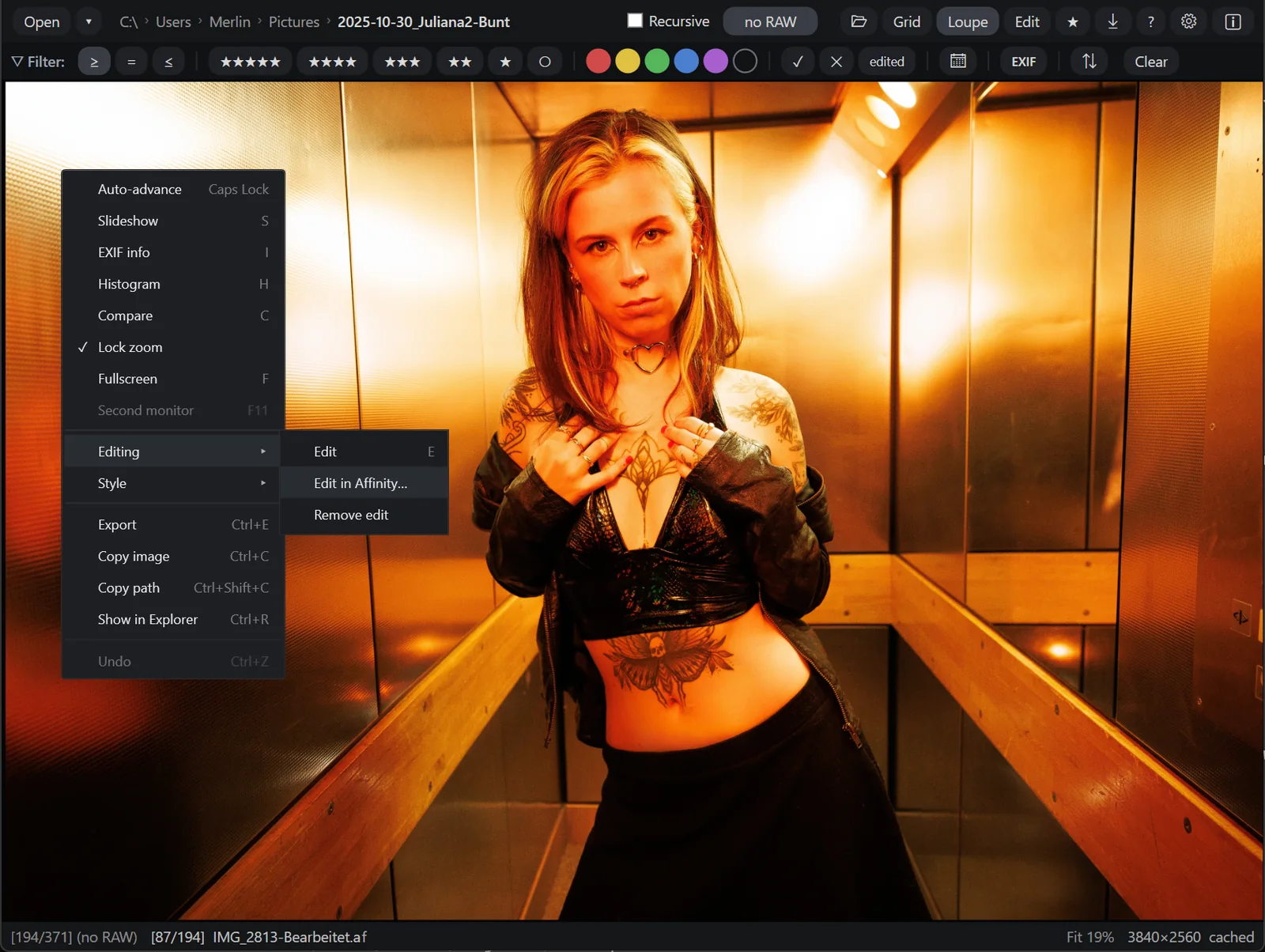
Affinity opens the picture with my development so far. And here comes the part many people don't know yet: Affinity isn't some stripped-down paint program but a full-grown Photoshop replacement, and it has been free since October 2025. Everything I need for a portrait is there:
- Layers and masks, plus adjustment layers and live filters that can be readjusted at any time.
- Frequency separation as a ready-made function, for skin that still looks like skin afterwards.
- Healing and cloning: the strand across the eye is gone after two brush strokes.
- Liquify: I simply push the bump in the blazer smooth.
- Dodge and burn to guide the eyes and contours, a rewarding tool especially with raking light.
- PSD files are opened and written by Affinity too. So old Photoshop work isn't lost.
If you come from Photoshop, you'll find your way around quickly: the tools have similar names, the layers panel sits where you expect it. And I don't even have to open the old PSD files from my Photoshop days to look at them: FlashView shows them right there while paging through, at full resolution, like any other picture.
When the picture is finished, I press Ctrl+S. Affinity saves back, and FlashView immediately shows the retouched version as a preview next to the original, with the same stars and the same color label. So while paging through, I can see right away which pictures are already retouched. The layers are kept: if a few days later I'd like a little more skin texture after all, I open the file again and dial the retouch back a bit instead of starting over.
Delivery
Once the selection is settled and the retouches are done, I filter for the favorites, export them as JPEG into the folder for the online gallery and send the link. Neither of the two programs kept me waiting, and neither reminded me of a cloud, an allowance or a payment due.
What has changed

Surprisingly little about the process. Culling, developing, the tough cases off to retouching, exporting - that's how it was before and how it is now. What has changed is what lies underneath: two programs with a clear job each instead of a bundle I never opened half of. The pictures sit in normal folders, the ratings right next to them. And on top of that, I save the money for the Photography Plan.
It always goes as fast as I want it to. That's exactly how a tool should be.
If you'd like to try FlashView, it's at flashview.net.